What can we help you with?
Changing your Password from a Windows Machine OFF Campus
Please note: These instructions are only for staff and faculty computers that have been bound to the domain. Students should follow these instructions instead
UPDATE: Faculty and staff who received new computers after March 2nd, 2026 can no longer change their password with this method and should follow these instructions instead
Steps:
1.Make sure you are connected to the VPN. Directions for installing VPN available HERE
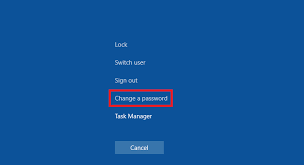
2. On your keyboard select Ctrl, Alt, Delete at the same time to produce the menu below and then select Change a password
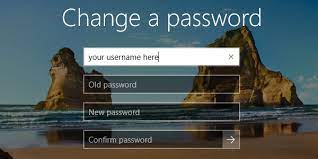
3. You will then be prompted for your Username, Old password. New password, and to Confirm the new password