What can we help you with?
Brickfield Toolkit

Faculty and course instructors can use the Brickfield Accessibility+ Toolkit which is a suite of tools designed to help instructors prevent, find, and fix common accessibility issues in their Moodle-based content including activities and resources that are or have been authored within the Moodle text editor.
- add the block in your course and access Brickfield Accessibility training modules
- Faculty can enroll in Brickfield’s Accessibility Training modules to learn more about web and document accessibility features by clicking the button in the Accessibility+ Review block.
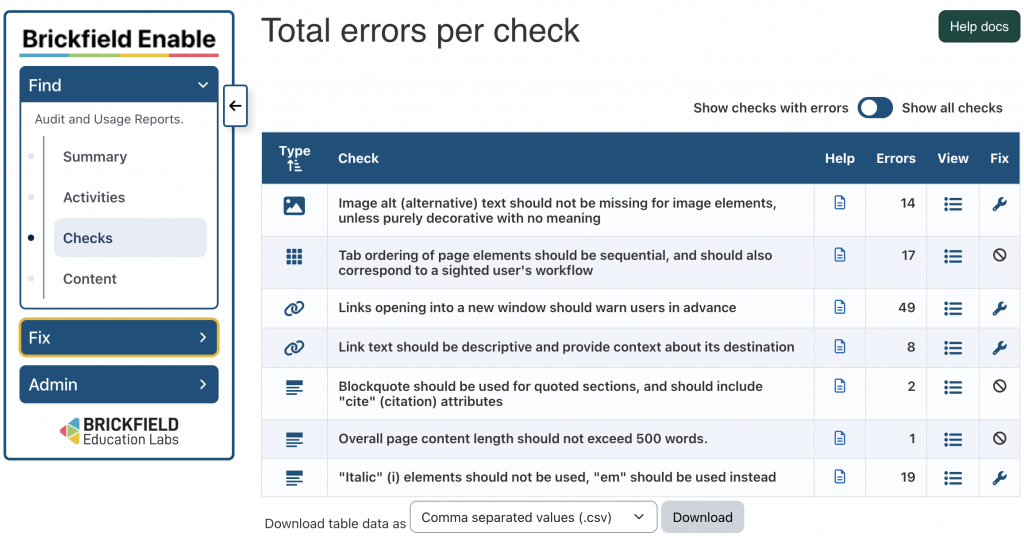
- view the accessibility report to assist you in identifying and fixing issues
See this Brickfield Enable User Guide.
Visit the Brickfield Accessibility Toolkit Features page for more information.