

Looking for a better way to organize your notes, review course materials, and prepare for exams? Microsoft Copilot Notebooks can help!

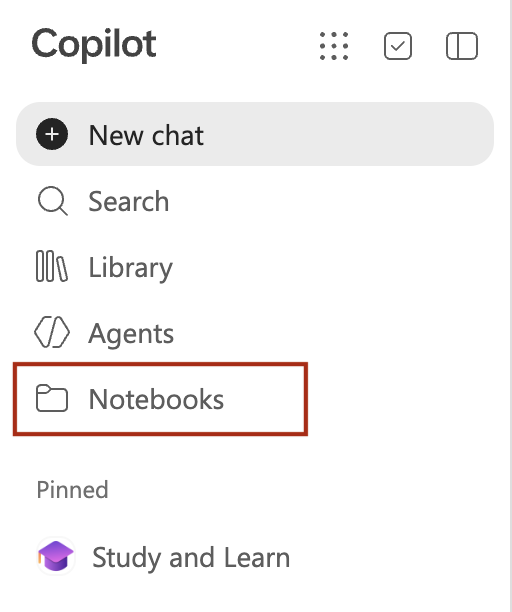
Copilot Notebooks lets you bring together class notes, lecture slides, readings, and other reference materials in one AI-powered workspace. Using your selected sources, you can explore course concepts, identify key ideas, and create personalized learning resources.
What can you do with Copilot Notebooks?
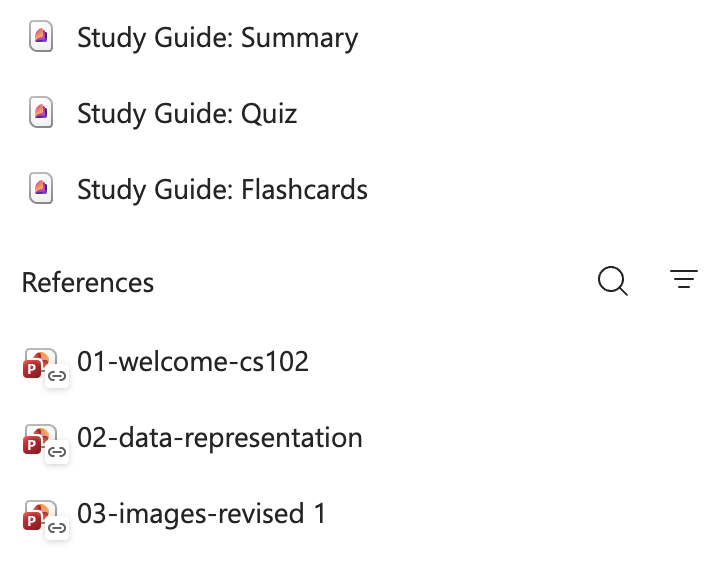
- Study Guides: Turn your course materials into organized study resources to help you prepare for exams.
- Notebook Chat: Ask questions about your sources and explore difficult concepts.
- Overview Pages: Get a summary of key ideas and themes across your materials.
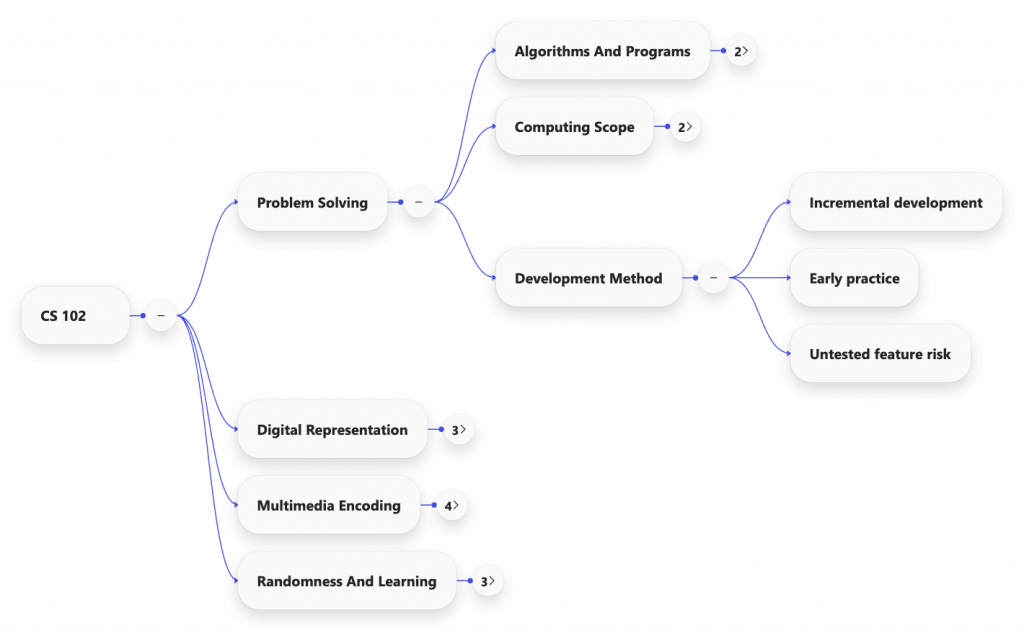
- Mind Maps: Visualize connections between concepts and see how ideas relate to one another.
- Infographics: Transform information into visual summaries that make complex topics easier to explore.
How could you use it at Wooster?
Imagine bringing together lecture slides, class notes, and assigned readings from a course to create a study guide before your next exam. You could ask questions about the material, identify concepts you need to review, and use mind maps to connect ideas across different readings.
Getting Started
Copilot Notebooks and Study Guides are available to College Microsoft 365 Education users through Copilot Chat and OneNote (online).
Explore the following resources to learn more:
- Get started with Copilot Notebooks and Study Guides
- Watch the Copilot Notebooks walkthrough
- Explore the Microsoft Learn Study Guides module
A Quick Reminder: AI-generated content can contain errors. Always verify important information against your original course materials, and follow your instructors’ guidelines and College policies when using AI tools.
Spend less time organizing information and more time understanding it!