-
Building a Calendar with InDesign… and an AI Sidekick
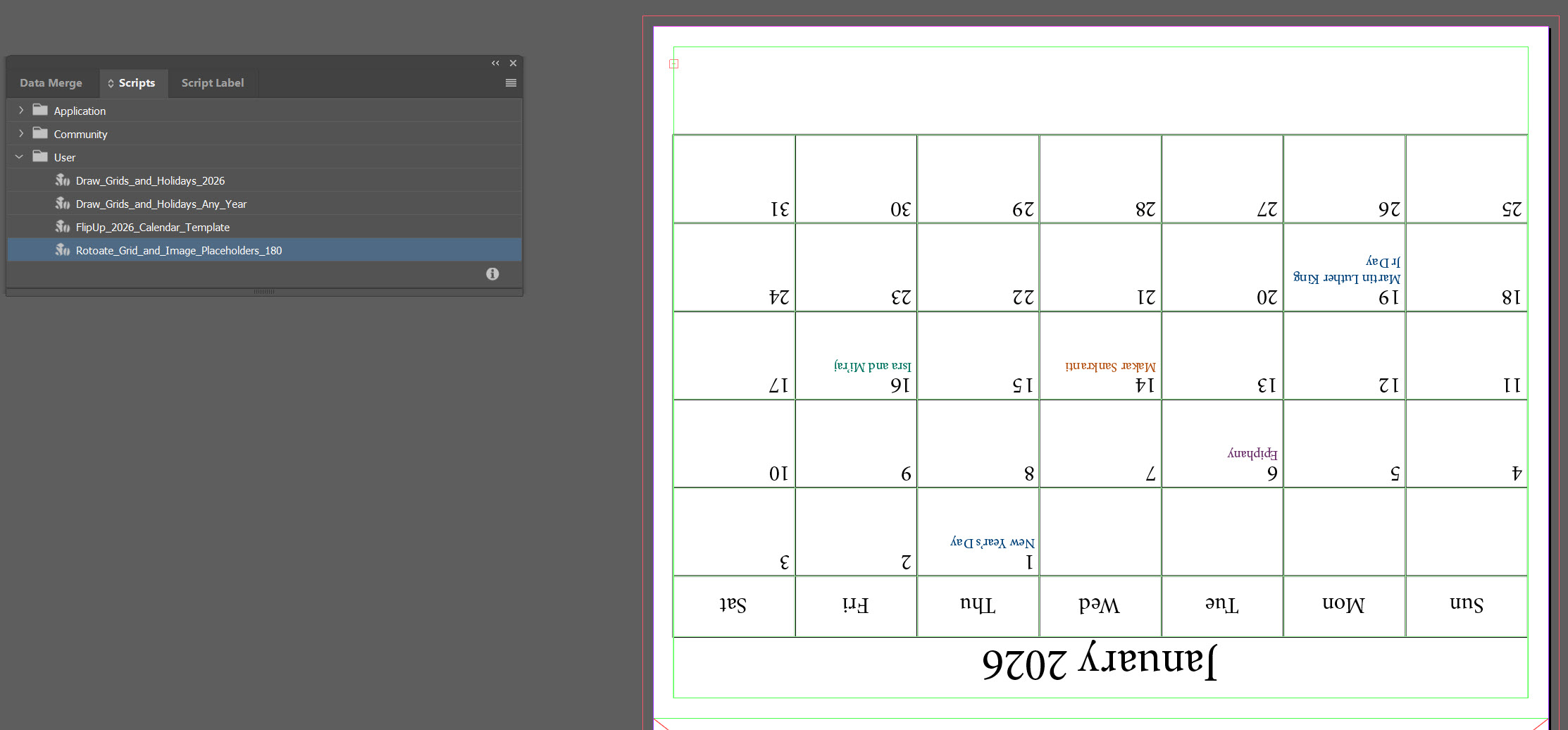
There’s a particular kind of joy that comes from opening InDesign, staring down a blank page the size of a small billboard, and saying, “Alright, let’s make this thing do tricks.” There’s also the familiar frustration that creeps in during the same moment, which is exactly why I invited an AI assistant into the process.…
-
Get to Know Adobe Premiere Pro
Learning Objective: Beginner-Friendly Intro to Video Editing! This workshop introduces you to the essential tools and workflows in Adobe Premiere Pro. By the end, you will know how to set up a project, navigate the interface, edit clips, add text and audio, and export a finished video. Workshops Files Basic Editing WS Folder Premiere Pro…
-
I.S. Posters in Canva
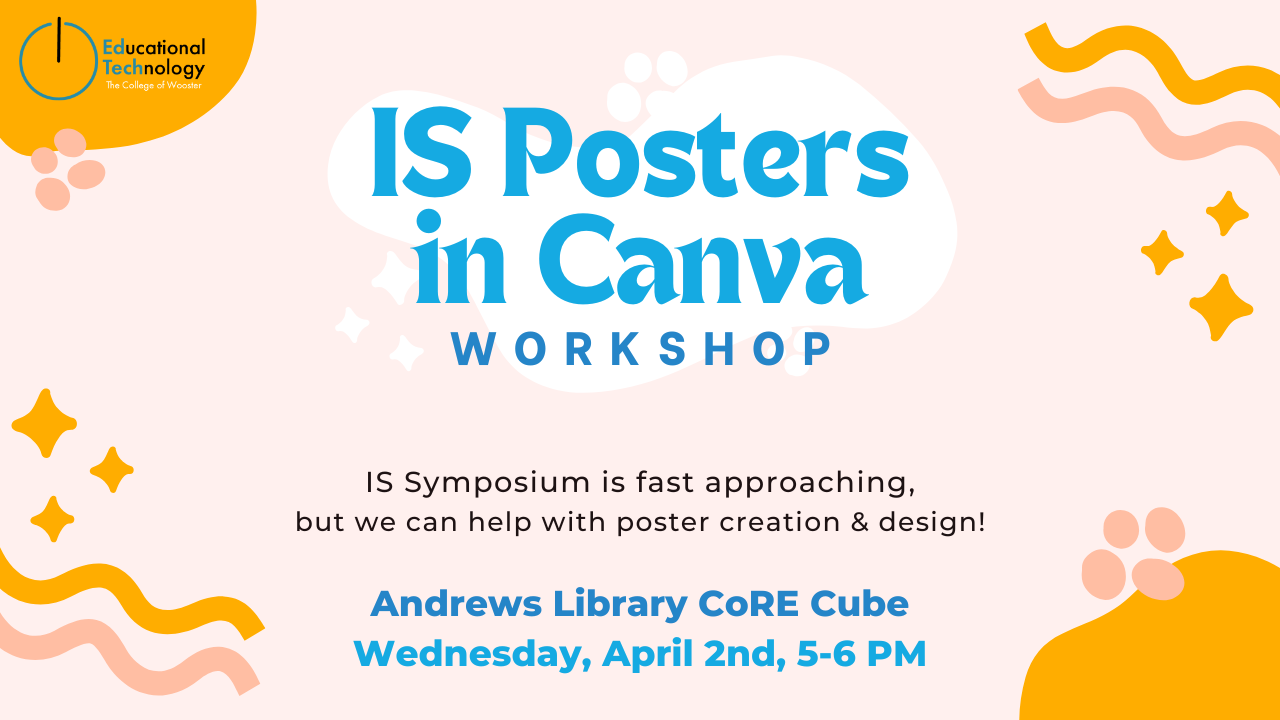
Get ready to create a stunning I.S. poster in Canva. Lina and Jessica will guide you through the ins and outs of Canva and how to format your I.S. poster. Follow along on your own account as we create our poster! Objectives: Learn how to create a stunning I.S. poster in Canva with ease. Materials:…
-
Advanced Game User Interface Design: Ren’Py
-
Digital Art Contest Fall 2024
THE WINNERS *Drumroll* Submission Period October 5, 2024 – October 31, 2024 Theme International Education Week offers a unique opportunity to explore the vast and diverse tapestry of cultures worldwide. This year’s art contest theme, “Windows to the World”, invites Wooster students to use their artistic talents to showcase the beauty, complexity, and interconnectedness of…
-
Microsoft Designer AI: Fast and Easy Graphic Design
Microsoft’s Designer* is a tool for making quick and easy graphic designs, similar to Canva. Designer stands out by combining a breadth of tools from DALL-E image generation, Photoshop-like tools, graphic design AI, and freehand design tools. *Note that Designer only works with Microsoft Consumer accounts at this time, meaning that your CoW email will…
-
Lists, Forms, Automate: Your Microsoft Trifecta
You’re invited to three upcoming live Microsoft Customer Success Training sessions hosted by the Microsoft Success team featuring: Microsoft ListsMicrosoft FormsMicrosoft Power Automate You are welcome to attend one, two, or all three of the sessions. Power Automate helps individuals and groups streamline processes. If you are unfamiliar with Lists or Forms, we would recommend…
-
Microsoft Lens
The Microsoft Lens app was retired from iOS and Android devices starting January 9, 2026, and is no longer supported after February 9. Users could scan documents in the app until March 9, 2026. Microsoft Lens is a scanning application integrated with Office 365 apps. Microsoft Lens trims, enhances, and makes pictures of whiteboards and documents…
-
Scots Daily Health Check Reminder

Opting in for Text Message Reminders You can now opt-in to receive a reminder to complete the Scots Daily Health Check. Reminders are sent only if you have not completed the survey using the Flow notification or email reminder. Typically, they will be sent around 9 AM daily (Sunday – Saturday). The phone number that you…
-
Microsoft PowerPoint
PowerPoint is a powerful presentation software developed by Microsoft. It is a standard component of the company’s Microsoft 365 suite of software, and is bundled together with Word, Excel, Outlook and other productivity tools. The program uses slides to convey information rich in multimedia and is used to create complex business presentations, simple educational outlines…
