-
Get to Know Adobe Premiere Pro

Learning Objective: Beginner-Friendly Intro to Video Editing! This workshop introduces you to the essential tools and workflows in Adobe Premiere Pro. By the end, you will know how to set up a project, navigate the interface, edit clips, add text and audio, and export a finished video. Workshops Files Basic Editing WS Folder Premiere Pro…
-
3D Logo in Blender
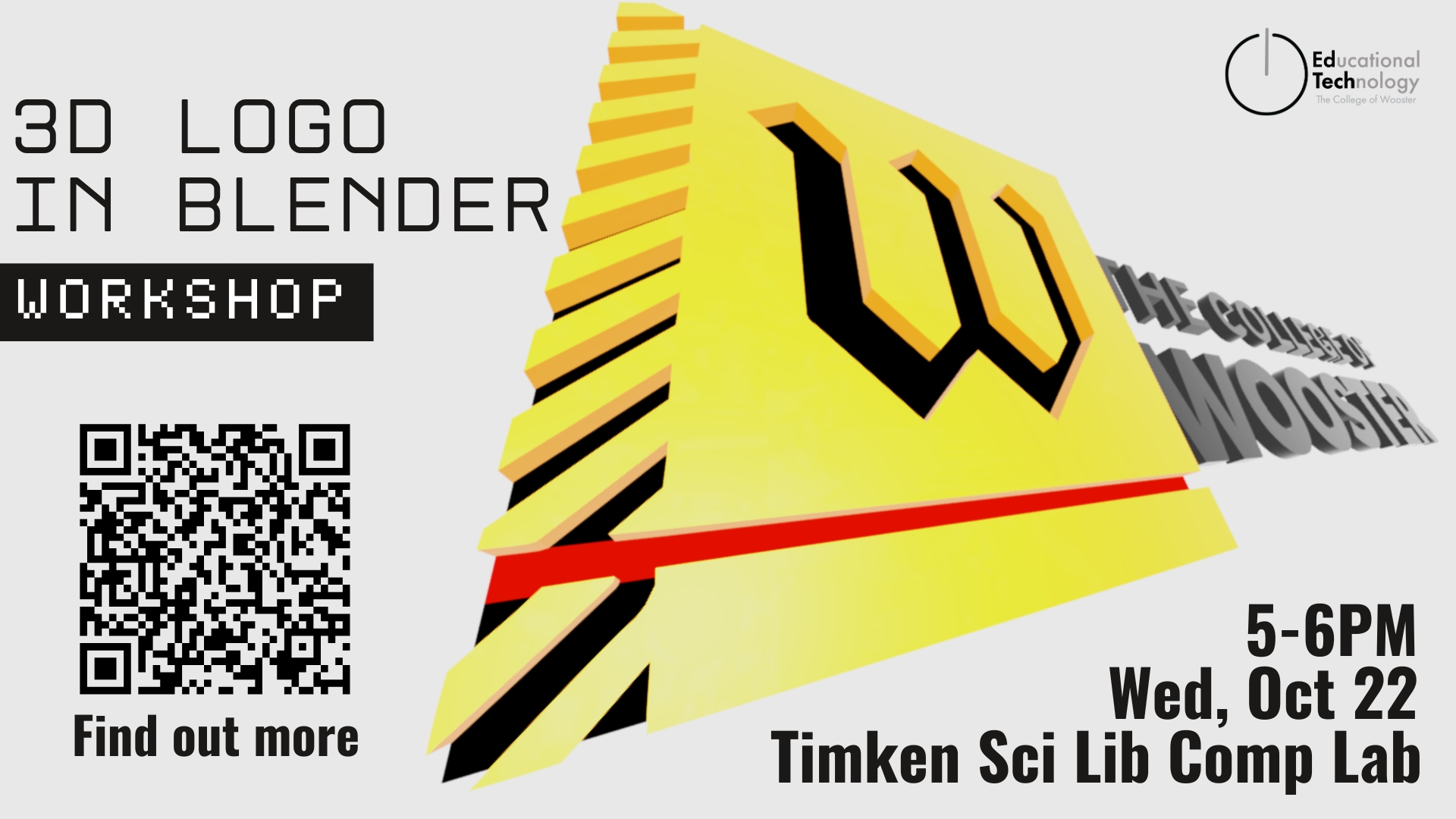
Agenda: Workshop Objective:Participants will learn how to transform a 2D logo into a fully rendered 3D design using Blender. By the end of the session, each participant will create, color, light, and render their own 3D logo image. Click the link to resister! Skills Learned: Material: Material folder
-
AI in Higher Education: Practical, student-centered course design tips and resources
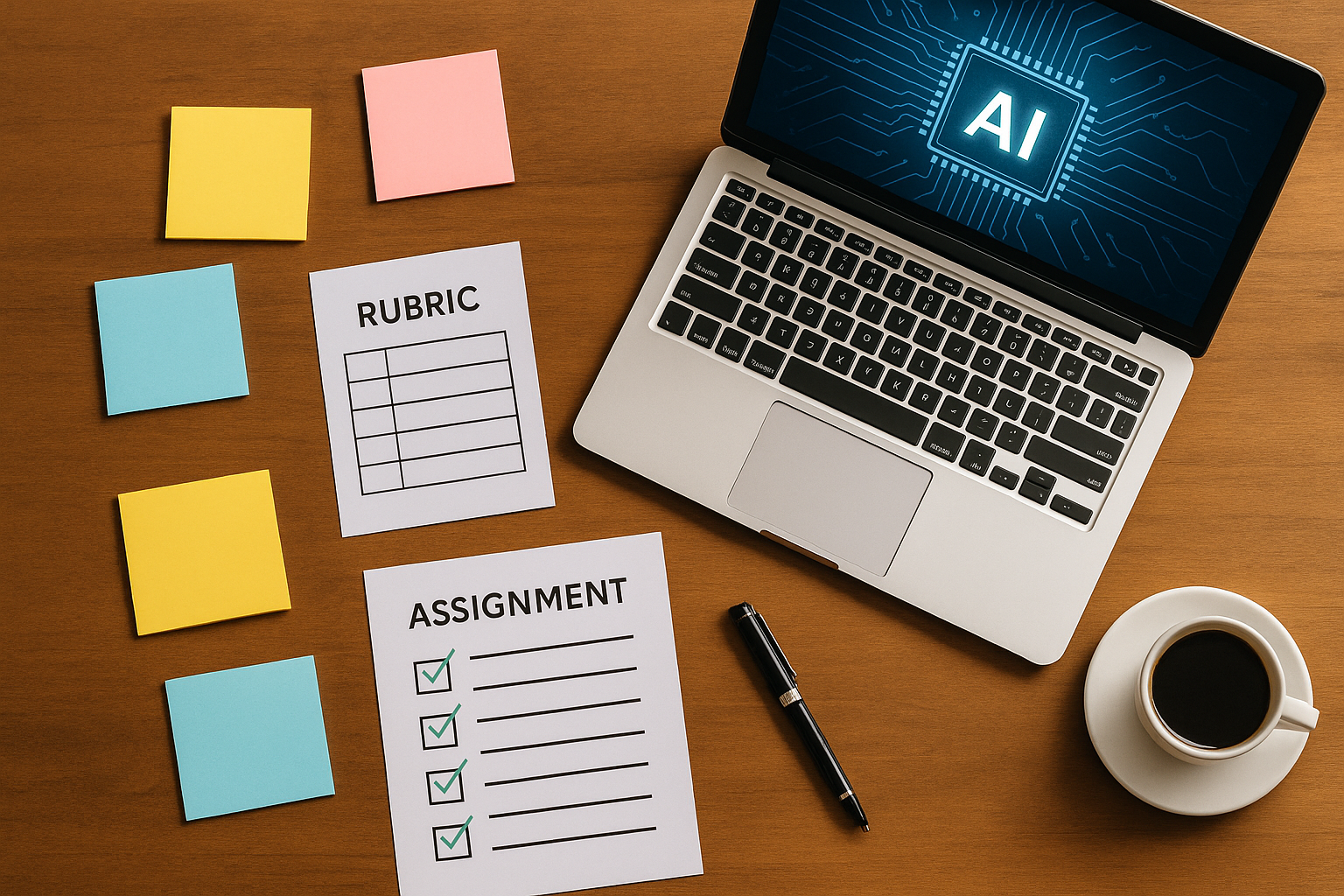
Faculty everywhere are navigating the same tension: AI is now part of students’ study habits and future workplaces, yet our courses still need to cultivate original thinking, disciplinary methods, and academic integrity. A blanket ban won’t get us there. What works is being explicit, designing for process, and choosing when AI is a helpful scaffold…
-
Getting Ready for the Semester

Faculty, join us for workshops! See our August Ed Tech Workshops post. Students Faculty Classrooms Are you teaching in a new space this semester? See our post on In-person Classes to familiarize yourself with equipment. In-room consultation appointments are available. Moodle Bookings Microsoft Bookings is a web-based service that allows you to create bookable appointments…
-
August Ed Tech Workshops for Faculty 2025
Educational Technology will host pre-semester workshops for faculty the week of August 11th, 2025. AI, Wooster, and You How are faculty and students approaching the use of artificial intelligence in the classroom? We’ll discuss Workshop Resources Presentation Grading Approaches A workshop for faculty and staff hosted by Educational Technology, Educational Assessment, and the Writing Center…
-
B-WISEST ’25
Attending College in the Age of AI Presenters: Emily Armour & Jon Breitenbucher, Educational Technology, The College of Wooster
-
Student Technology Assistants’ Reflections
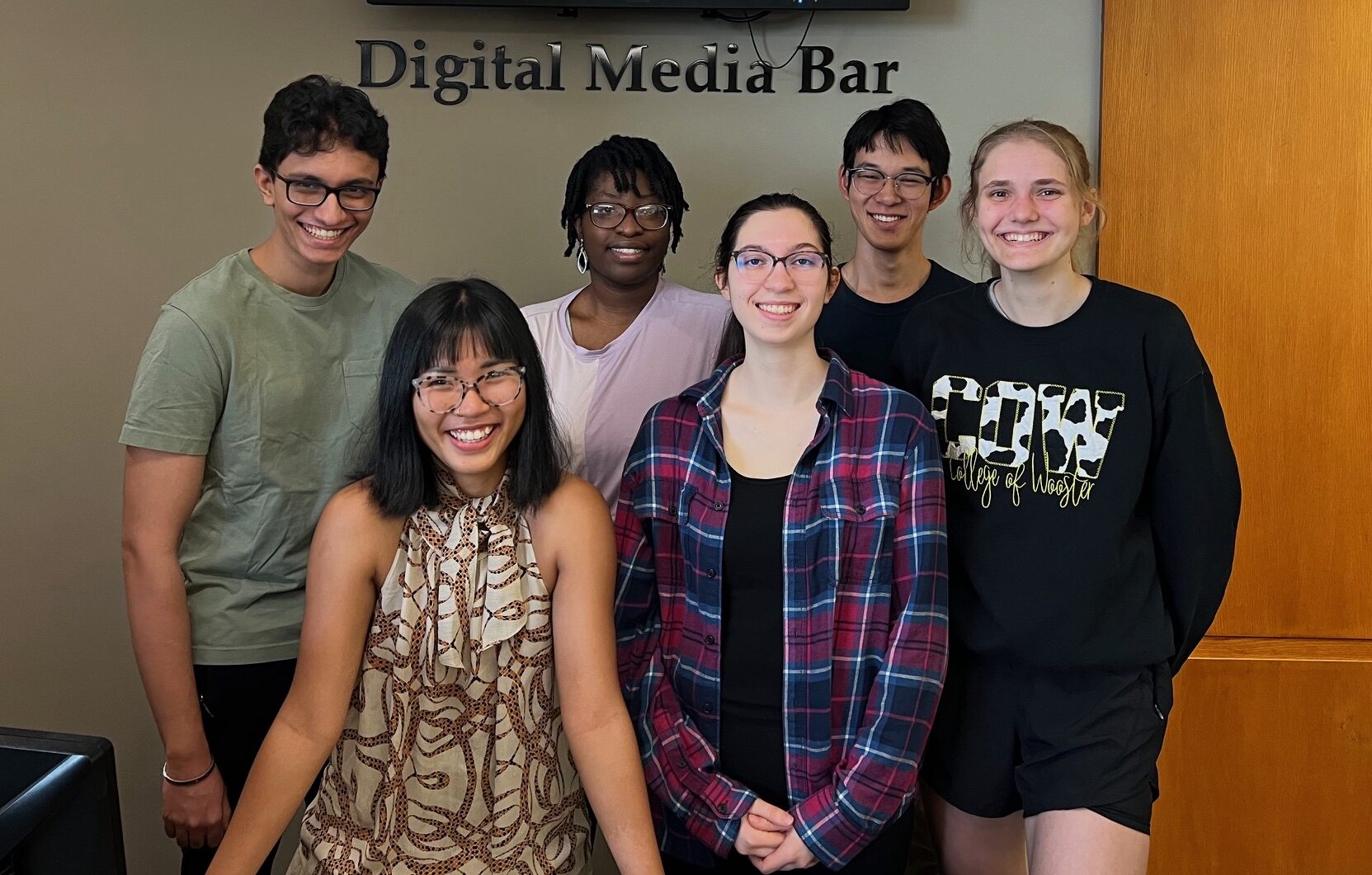
The Student Technology Assistant employee role has been credentialed as an Experiential Learning campus job. As part of the experiential learning program, our student employees in Educational Technology and Technology Services write a reflection of their work for the year and publish their post on our website. We invite you to explore what they have…
-
Ngoc (Nancy) Nguyen – STA Reflection ’25
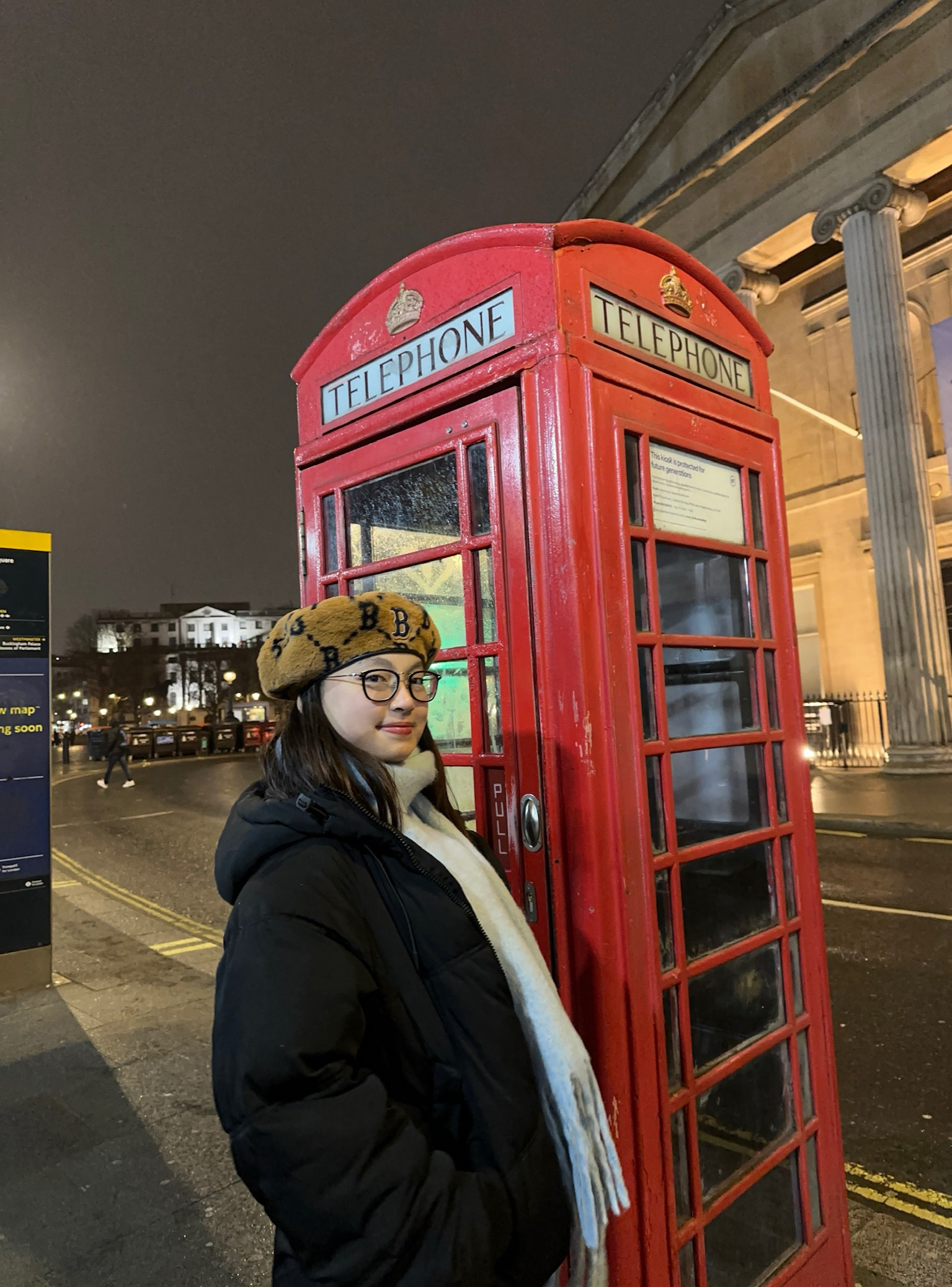
This year looked a little different for me since I spent the fall semester studying abroad in London. I only worked with the Tech team for one semester, but I’m still proud of what I accomplished. I have used Adobe Premiere Pro extensively in the past when creating recap videos for school events, behind-the-scenes footage…
-
Minh Phan – STA Reflection ’25
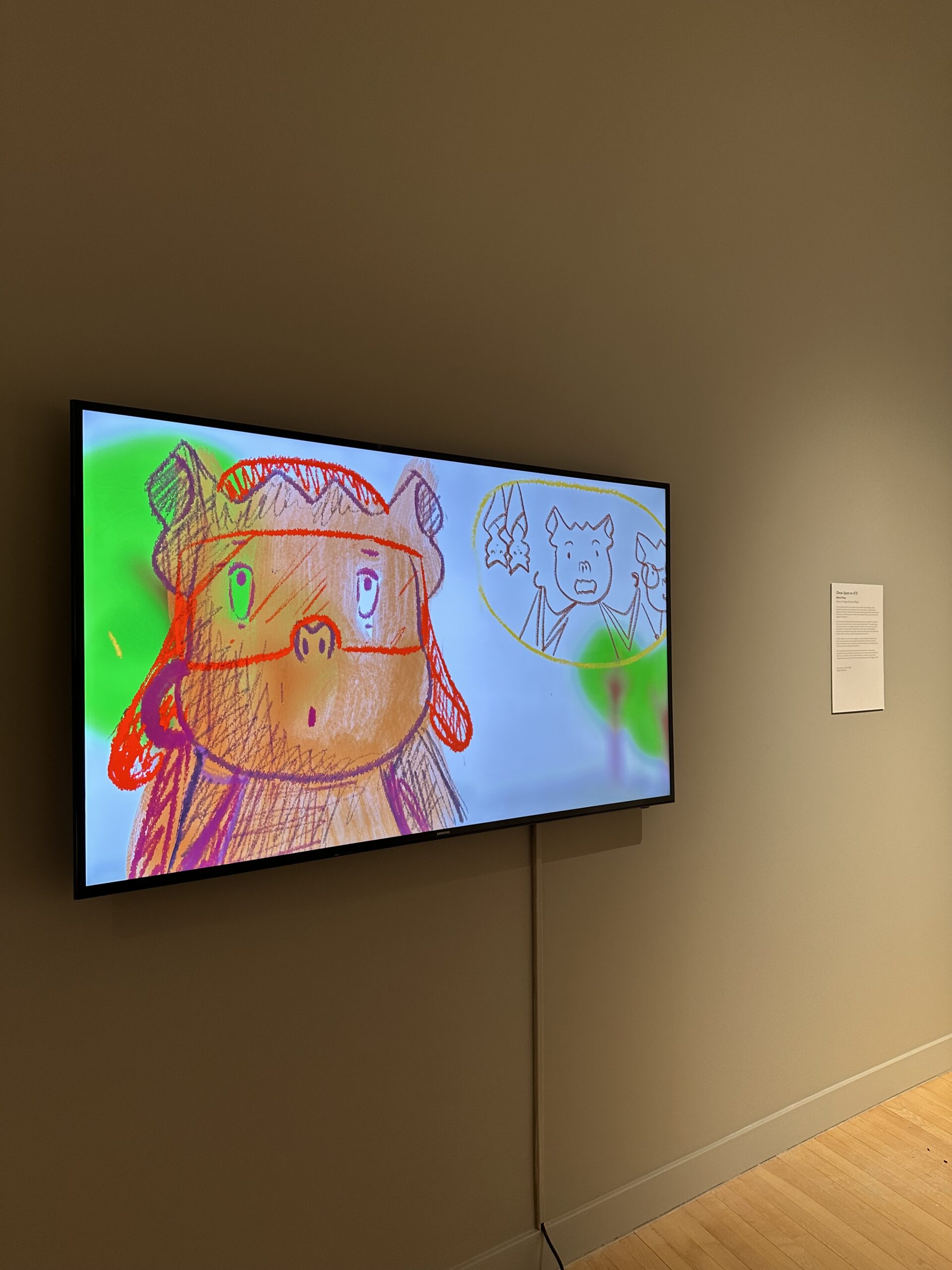
Guess who’s graduating? I’m Minh, an STA veteran like Jessica. Today I’ll be sharing a bird’s-eye reflection of my time as an STA. When I first joined as a first-year student, I was a graphic designer who knew how to wrangle Photoshop, navigate Microsoft Office, and tinker with old-school sites like DeviantArt. I even edited…
-
Abhinav Randive – STA Reflection ’25

This year, I set out to deepen my expertise in two key tech tools—ChatGPT and Clipchamp—and translate that knowledge into hands-on workshops for students. Both goals were not only met but also reinforced how powerful these tools can be in fostering creativity and problem-solving. In October I led a ChatGPT App-Building Workshop Over the summer and fall,…
