-
Inside updates

We have used Spring Break to perform updates on Inside. The underlying server operating system and the software associated with running WordPress were updated to the latest available released versions. These updates allowed us to update the WordPress software from version 6.6.4 to version 6.9.4 and to update plugins. There have been many new features…
-
Spring 2026 Student Workshops

The Educational Technology department and STAs (Student Technology Assistants) are excited to announce their schedule of workshops for the semester! Registration is appreciated, but not required. Check out each session for details. All of our events are listed on our Events page. We hope you’ll join us! Not able to make a workshop? Visit the Digital Media Bar! I.S. Formatting…
-
Quick Tip: Adobe Lightroom
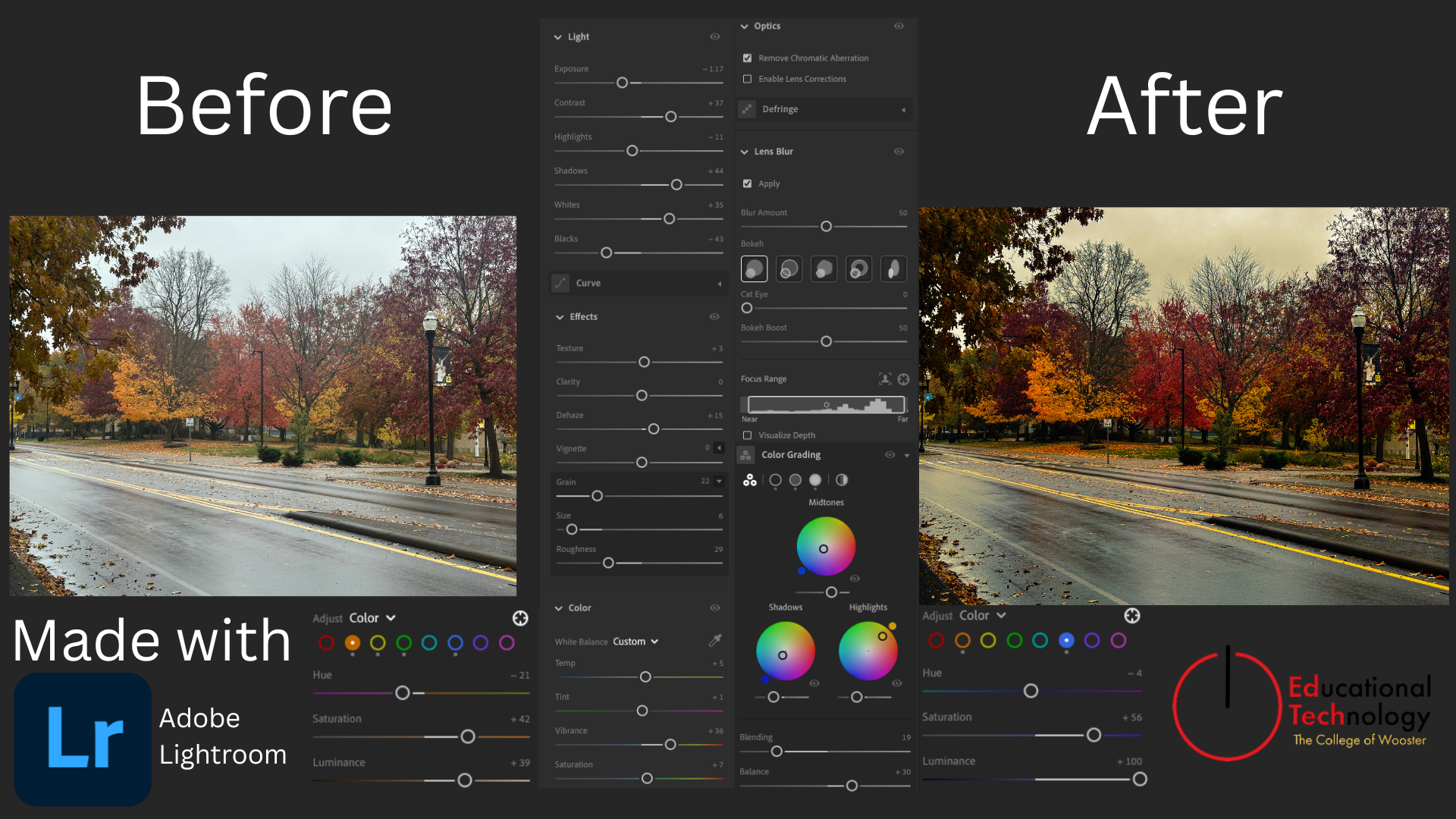
Transforming a dull photo into a vibrant, cinematic autumn landscape Adobe Lightroom is a powerful tool used to organize, edit, manipulate, and enhance images by primarily photographers. It can take a washed out and mediocre picture and transform it into a work of art. Using the global saturation slider can be a quick edit to…
-
Quick Tip: Capcut Color-Grading
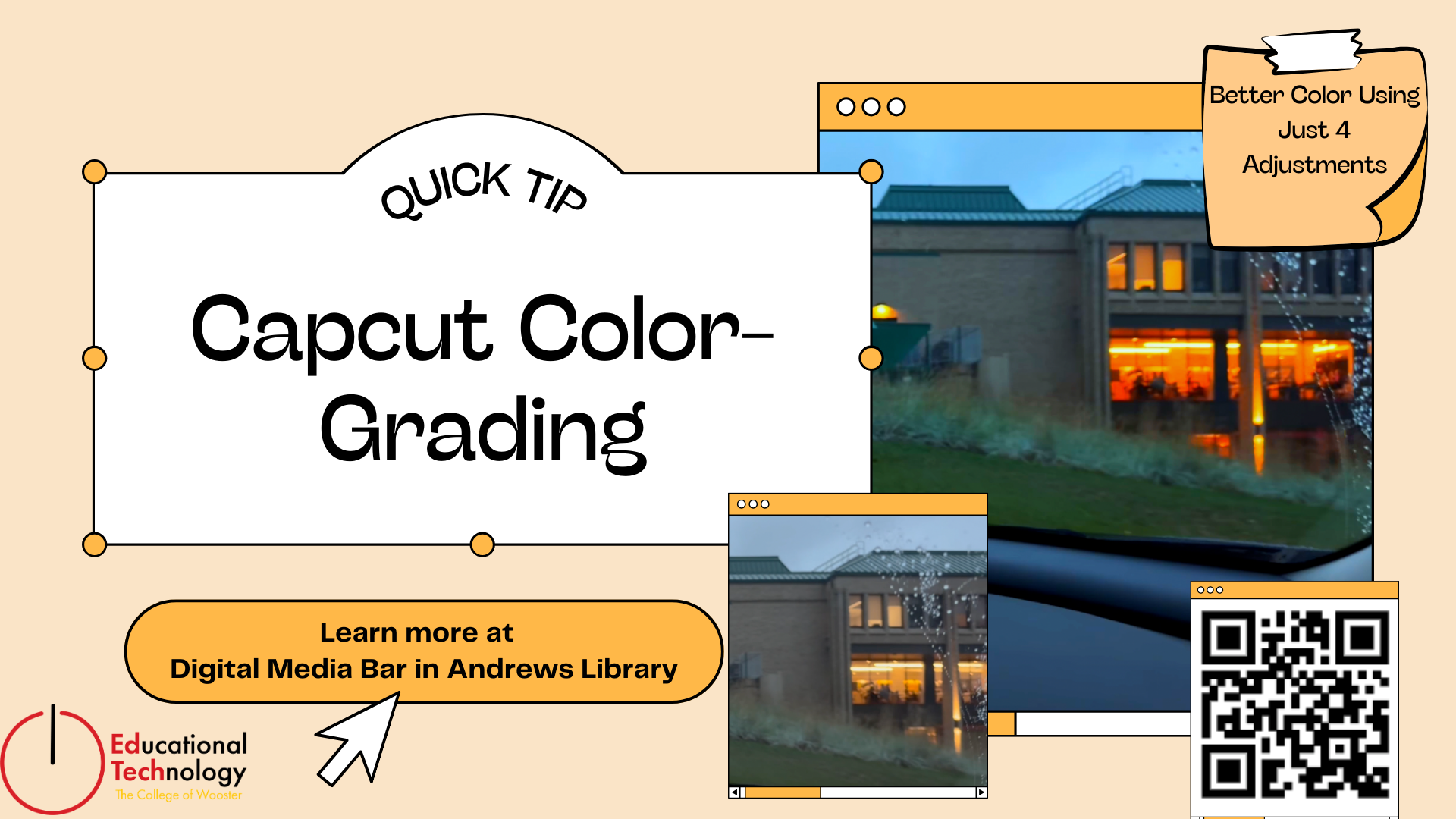
Whether you’re filming on your phone or editing a project for class, clean-looking video makes a big difference. CapCut offers a simple set of tools that anyone can use to instantly improve their footage. In this quick tip, I’ll walk through how four basic adjustments can transform a flat clip into something polished and ready to share. By focusing…
-
Quick Tip: LaTeX

When I first started using LaTeX, I wasted a good amount of time trying to debug code that looked perfectly fine. The culprit? I was typing like I was in Microsoft Word. LaTeX treats certain symbols as commands rather than text. If you use them without “escaping” them, the software thinks you are trying to give…
-
Senior IS Formatting workshop

This post is intended to provide guidance and resources for students using Microsoft Word to format their Independent Student thesis document to meet department guidelines. Students using LaTeX to format their IS should visit the WooLaTeX site for information and to find the template. Many of the links below are to LinkedIn Learning video tutorials.…
-
Sample Capcut
Whether you’re filming on your phone or editing a project for class, clean-looking video makes a big difference. CapCut offers a simple set of tools that anyone can use to instantly improve their footage. In this quick tip, I’ll walk through how four basic adjustments can transform a flat clip into something polished and ready to share. By focusing…
-
Copilot Basics Workshop Series

Feeling unsure about using AI tools like Microsoft Copilot? You’re not alone, and these workshops are designed just for you! This series of beginner-friendly 30-minute sessions will introduce faculty and staff to Microsoft Copilot Chat, the College’s supported generative AI tool, and will help participants build confidence step-by-step. No prior experience needed! Registration is appreciated…
-
January Ed Tech Workshops for Faculty
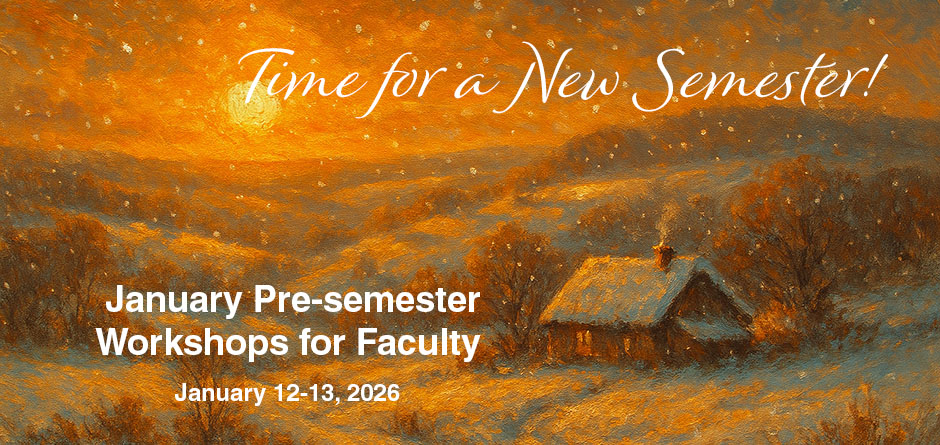
Educational Technology is coordinating with other departments on campus to provide workshops for faculty to get ready for Spring semester. No registration needed (but it is encouraged)! Just bring a laptop and join us! Monday, January 12 AI for Teaching: Exploring Copilot’s Microsoft Teach Module and What It Can Do 1:30 – 2:30 pm |…
-
Building a Calendar with InDesign… and an AI Sidekick
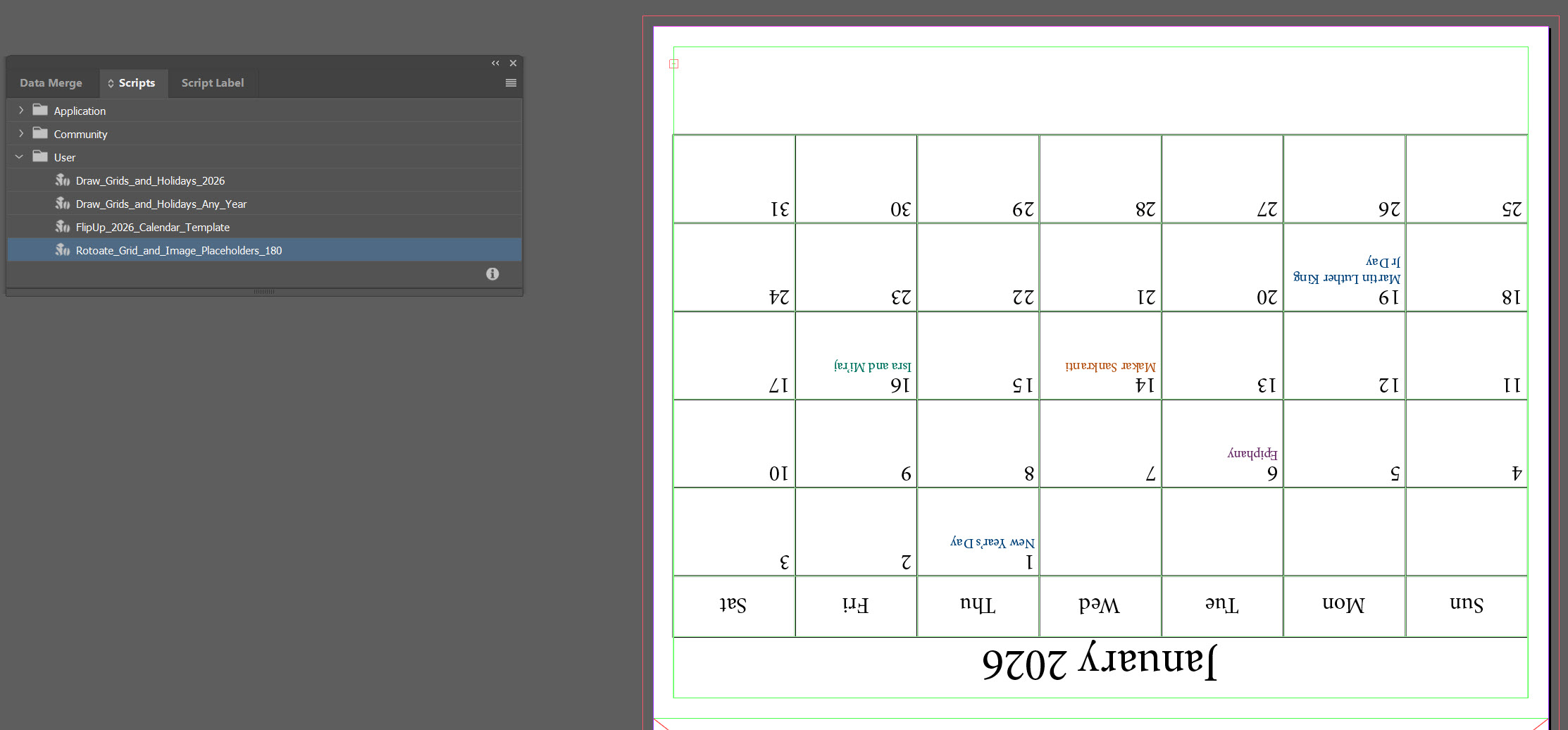
There’s a particular kind of joy that comes from opening InDesign, staring down a blank page the size of a small billboard, and saying, “Alright, let’s make this thing do tricks.” There’s also the familiar frustration that creeps in during the same moment, which is exactly why I invited an AI assistant into the process.…
