News
-
Senior IS Formatting workshop
This post is intended to provide guidance and resources for students using Microsoft Word to format their Independent Student thesis document to meet department guidelines. Students using LaTeX to format their IS should visit the WooLaTeX site for information and to find the template. Many of the links below are to LinkedIn Learning video tutorials.…
-

Copilot Basics Workshop Series
Feeling unsure about using AI tools like Microsoft Copilot? You’re not alone, and these workshops are designed just for you! This series of beginner-friendly 30-minute sessions will introduce faculty and staff to Microsoft Copilot Chat, the College’s supported generative AI tool, and will help participants build confidence step-by-step. No prior experience needed! Registration is appreciated…
HelpDesk
Hours of Operation: Monday-Friday 8:30 a.m.- 5:30 p.m.
- Call us at 330-287-4357 (HELP)
- Email us at helpdesk@wooster.edu
- Live Chat with us by clicking the yellow chat widget in the bottom right
- Visit us on the 4th floor of Morgan Hall
- Schedule an appointment for assistance by using our Bookings site
Information Technology
The College of Wooster
Burton D. Morgan Hall, 4th floor
930 College Mall
Recent Knowledge Base Articles

Tech Tips
-
Building a Calendar with InDesign… and an AI Sidekick
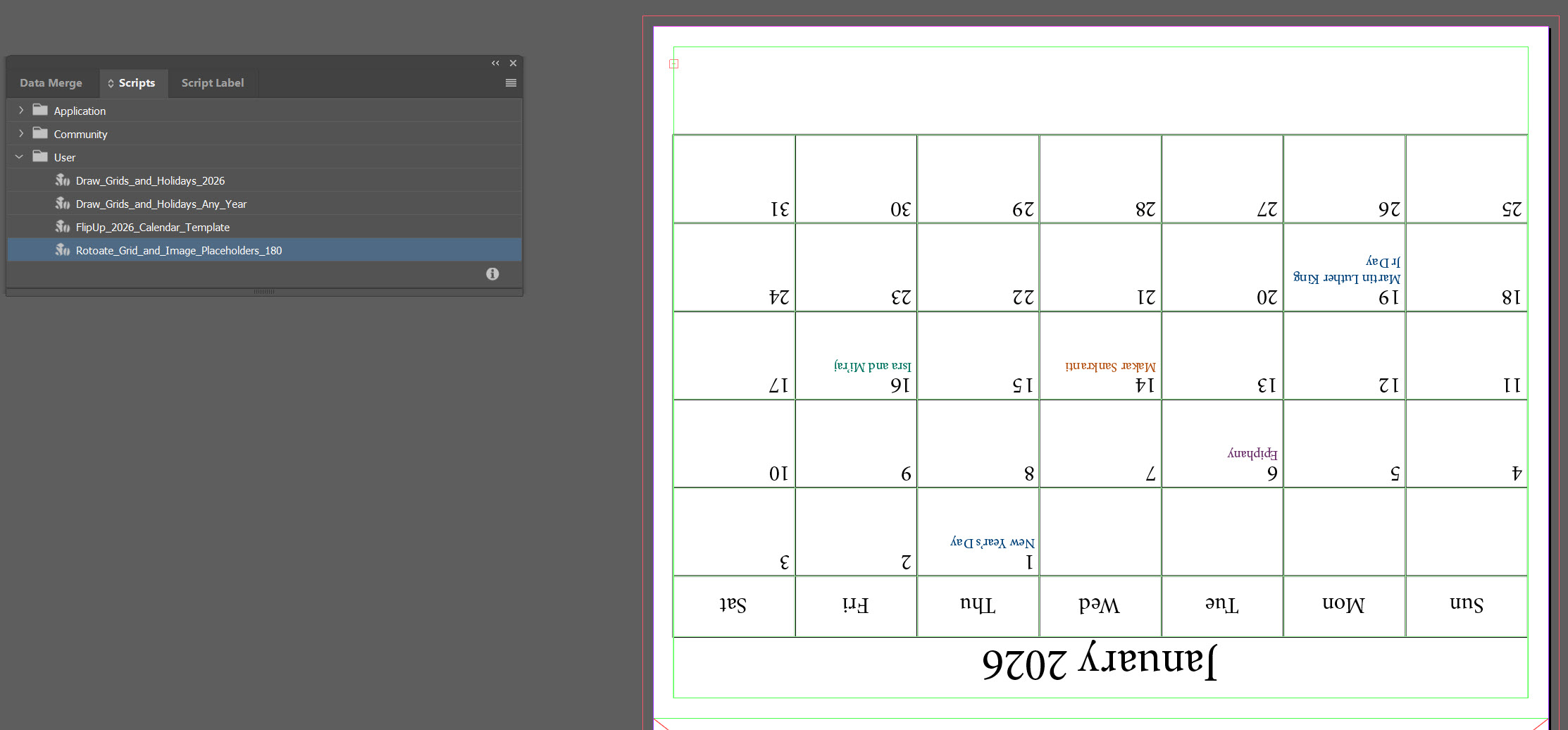
There’s a particular kind of joy that comes from opening InDesign, staring down a blank page the size of a small billboard, and saying, “Alright, let’s make this thing do tricks.” There’s also the familiar frustration that creeps in during the same moment, which is exactly why I invited an AI assistant into the process.…
Featured Article
-

Quick Tip: Capcut Color-Grading
Whether you’re filming on your phone or editing a project for class, clean-looking video makes a big difference. CapCut offers a simple set of tools that anyone can use to instantly improve their footage. In this quick tip, I’ll walk through how four basic adjustments can transform a flat clip into something polished and ready to share. By focusing…