-
Jessica Israel – STA Reflection ’25

Hello! I’m Jessica Israel—soon-to-be graduate of The College of Wooster and five-year veteran Student Technology Assistant (STA) in Educational Technology. What began as an interest in helping friends troubleshoot projects grew into the heartbeat of my college experience. As an STA I have: Alongside day-to-day support, I have designed and led more than ten workshops.…
-
Amelia Mitchel – STA Reflection ’25
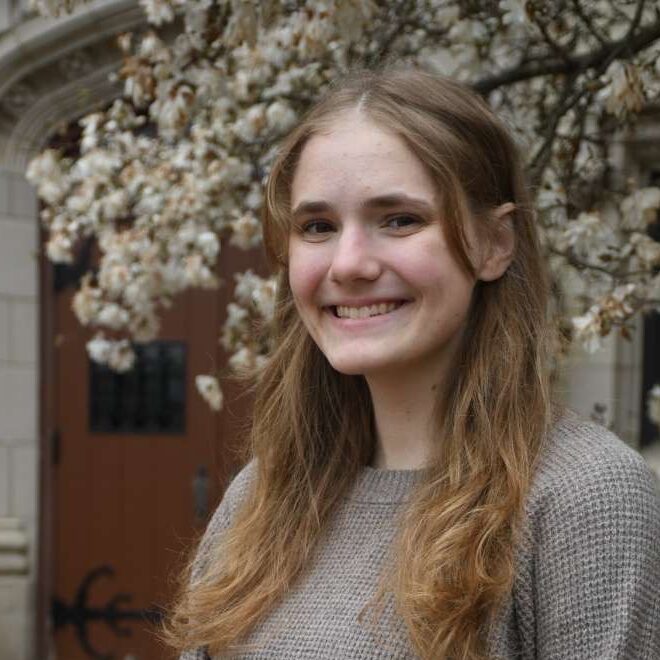
I have learned and improved upon a variety of skills and softwares as a Student Technology Assistant. I learned how to 3D model in Blender, Shapr3D, TinkerCAD, used the game engine Unity, as well as work on my graphic design skills with the creations of websites and posters. These past two semesters I had two…
-
Lina Boughton – STA Reflection ’25
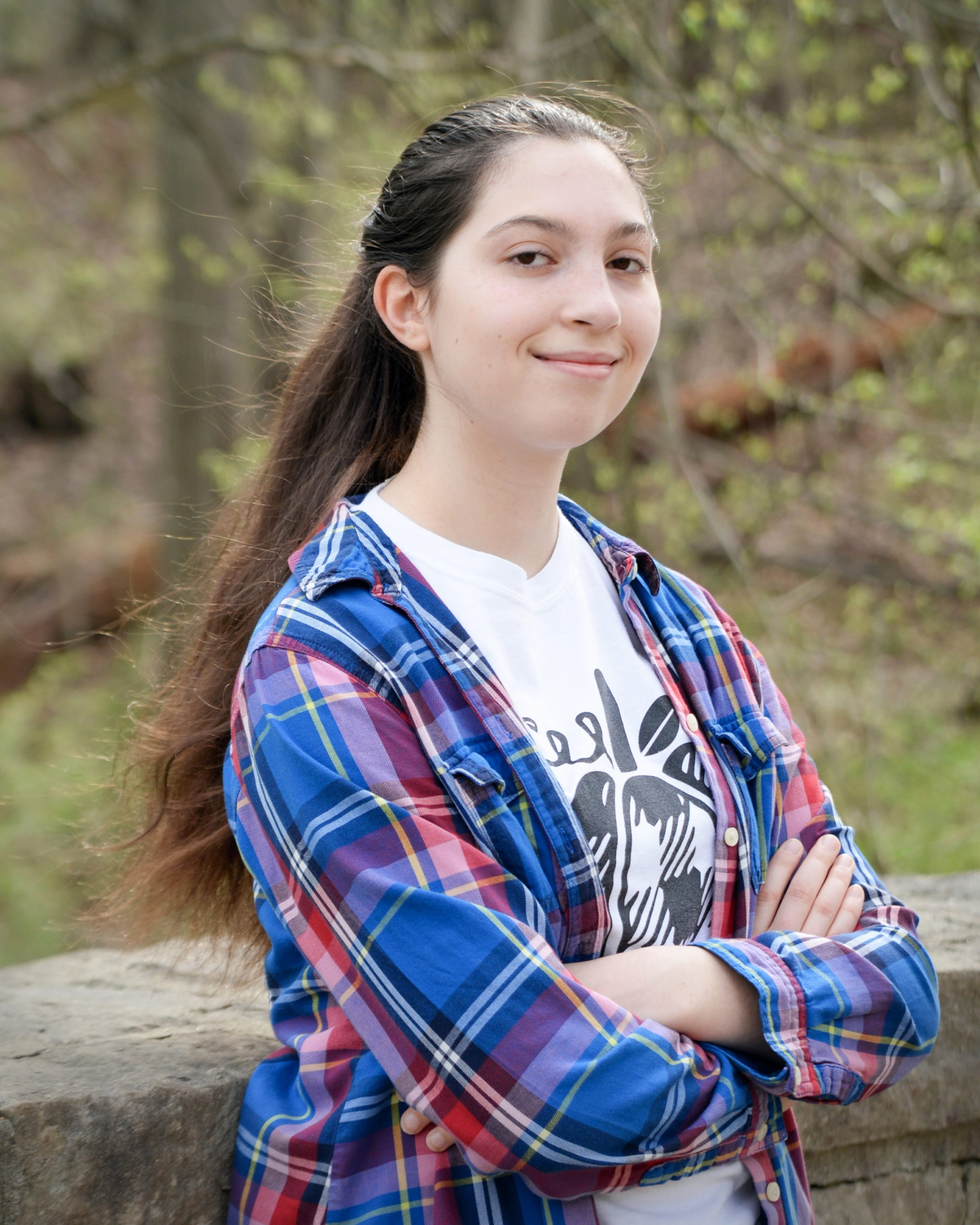
It’s hard to believe I’ve been working at the Digital Media Bar for 2½ years, ever since I was a sophomore! I sought out the position after learning from another STA (Amelia) that it was a great position to learn new things, which I am always game for! As a big fan of experiential learning, this…
-
Atomu – STA Reflection ’25
In the Fall semester of the 2024–25 academic year, my goal was to create a 3D animation using Blender. I began by creating a 3D model of a character I could use in animations. I learned rigging, which allows me to control the movement of the character more easily. I also learned an effective toon-shading…
-
Kidus – STA Reflection ’25
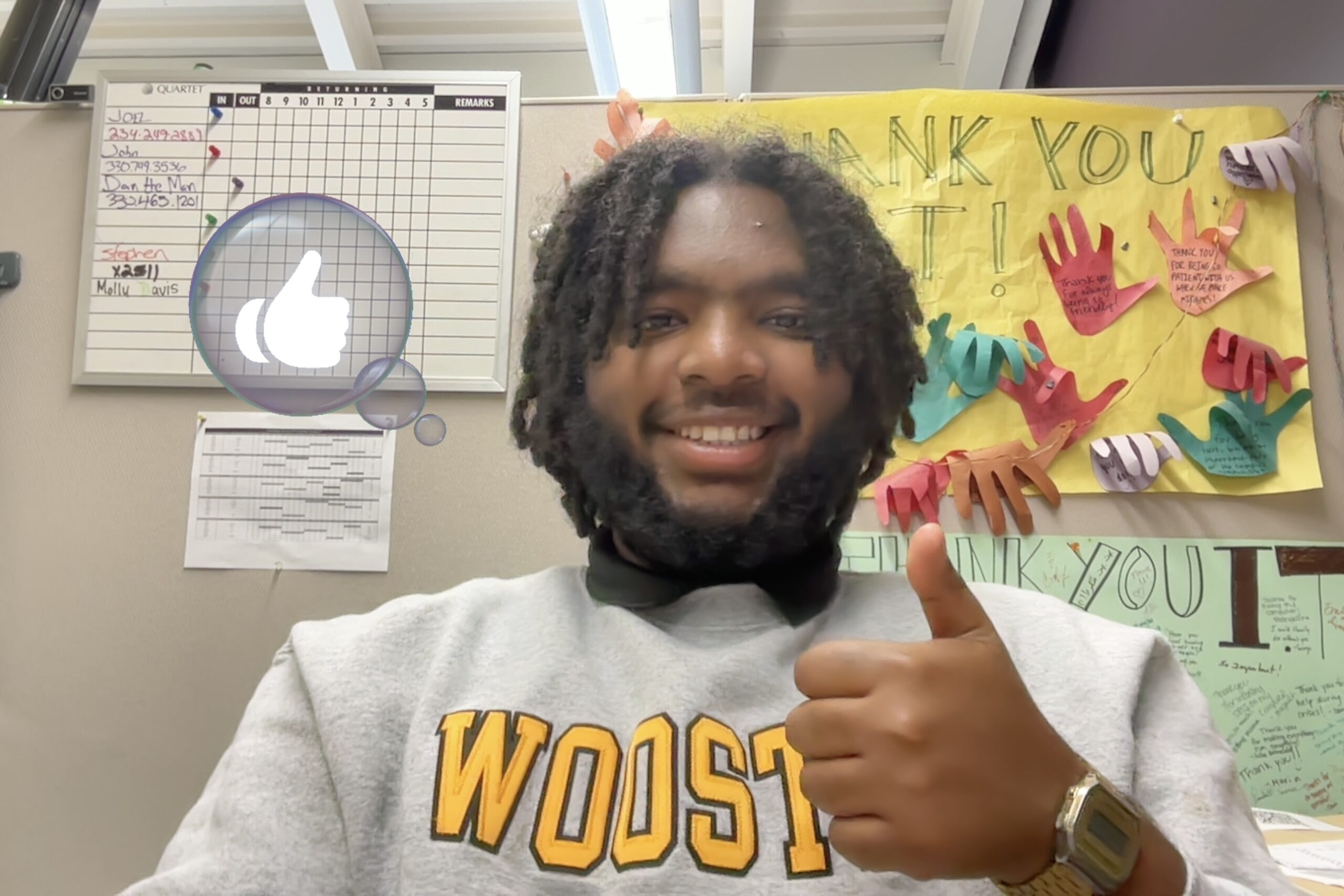
This year as a Student Technology Assistant has been a period of growth, learning, and new responsibility. I was promoted to STA II, which came with higher expectations and more opportunities to lead. I focused on becoming more independent with troubleshooting and better at mentoring newer STAs during our shifts. Whether it was providing technical…
-
Website Design in Canva
Get ready to create stunning website in Canva. This workshop will cover creating a website in Canva, along with additional design tips from the instructor, Jessica Israel. Students will leave with an understanding of how to create a website for their creative endeavors. A laptop is required. Setting up a Canva account prior to the…
-
Game Development for Beginners
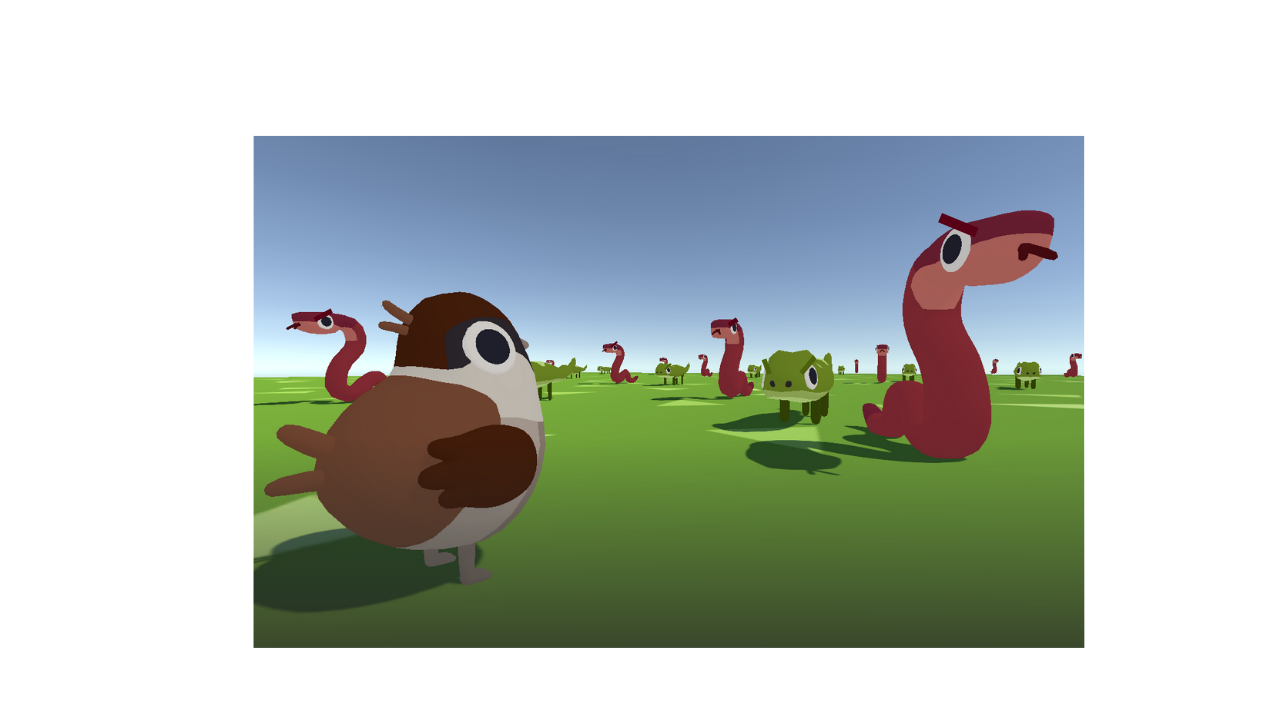
Ever wanted to try your hand at game development? In this workshop, you’ll create a simple 3D game, learning the basics of game development in the Unity Engine. (We won’t be doing any coding for the duration of the workshop, but the instructor will be around afterwards if you’d like to go over coding in…
-
I.S. Posters in Canva
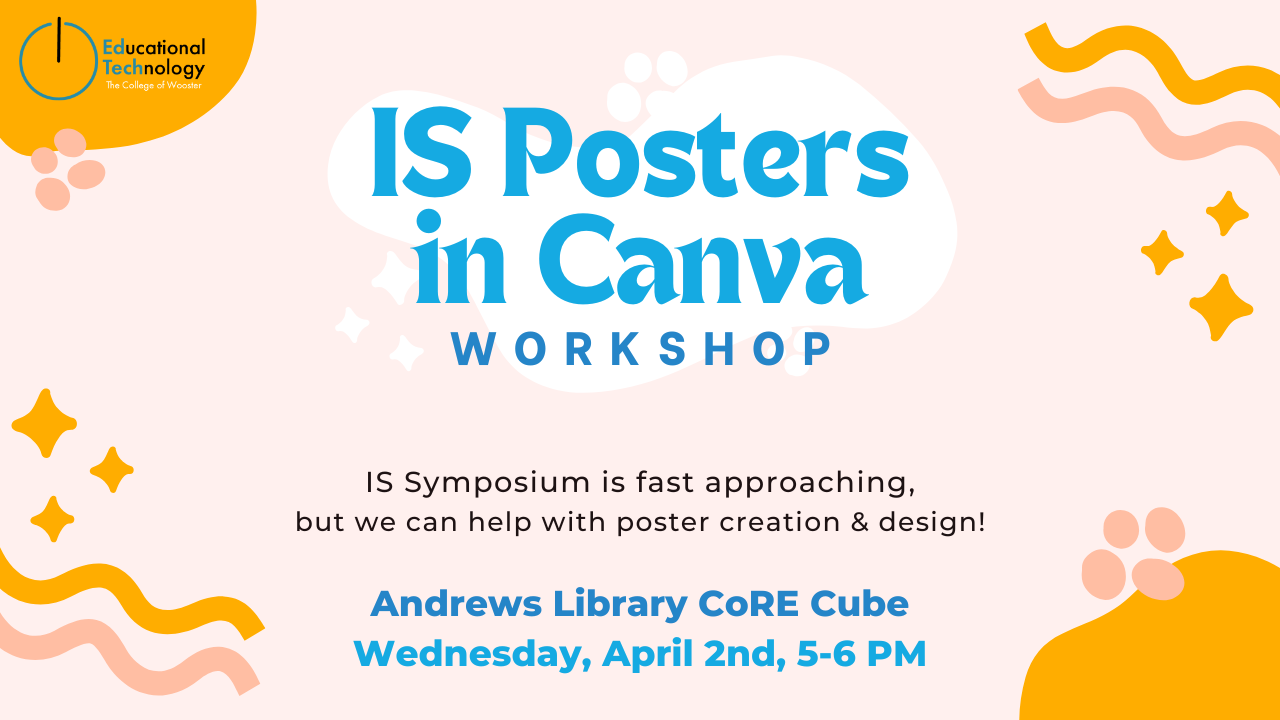
Get ready to create a stunning I.S. poster in Canva. Lina and Jessica will guide you through the ins and outs of Canva and how to format your I.S. poster. Follow along on your own account as we create our poster! Objectives: Learn how to create a stunning I.S. poster in Canva with ease. Materials:…
-
Audacity workshop

Audacity is an easy-to-use, open-source audio editing software program that is available as a free download for desktop computers that run Mac, Windows, and Linux operating systems. Audacity has a variety of features that can meet the needs of a range of audio recording projects, from a very basic short live recording to more elaborate,…
-
Character Design Animation with Figma & LottieFiles
Register for the workshop here: https://inside.wooster.edu/technology/events/figma-lottie/ Download Workshop File here: https://www.figma.com/design/I92JwShkrsUWVhweUkXOTv/Figma—Framer-Portfolio-Workshop-%5BYour-Name%5D-(Copy)?node-id=4005-288&t=wmLngxrS1meJe7n4-1 Overview Date: Monday, March 03, 2025Time: 5:00 PM – 6:30 PMLocation: online via Microsoft Teams or College of Wooster’s CoRE cube (1st floor) Agenda 5:00 PM – 5:10 PMWelcome and Introductions 5:10 PM – 5:30 PMIntroduction to Figma for Animation Design 5:30 PM –…
