-
Graphic Design in Canva
This workshop will cover the principles of graphic design and employ them in Canva, along with additional design tips from the instructor, Lina Boughton. Students will leave with a better understanding of graphic design. A laptop is required. Setting up a Canva account prior to the workshop and bringing your own personal designs/ideas is encouraged.…
-
R-Studio for Beginners

Agenda Commands List of commands I will use for my presentation Our R Chunks 1st Chunk library(readr)cereal_2 <- read_csv(“cereal 2.csv”)view(cereal_2) 2nd Chunk library(dplyr)cereal_2%>%filter(`mfr`== “K”)%>%filter(calories == 110)cereal_2%>%select(calories) 3rd Chunk library(ggplot2)cereal_2%>%ggplot(aes(x=calories, y=mfr))+geom_boxplot() Recording Screen capture recording of the workshop
-
Figma for Beginners

If you haven’t already done so, you’ll want to navigate to and either register or login to your Figma Account Explore the screen Start with some basic tools Importing and editing images Basic Intro to Components and Variants Introduce them to figma environment
-
Cybersecurity Awareness Month 2023
Welcome to the 20th Cybersecurity Awareness Month this October! According to the Cybersecurity and Infrastructure Security Agency (CISA), since 2004, the President of the United States and Congress have declared the month of October to be Cybersecurity Awareness Month. A dedicated month for the public and private sectors, and tribal communities to work together to…
-
Canva for Creatives
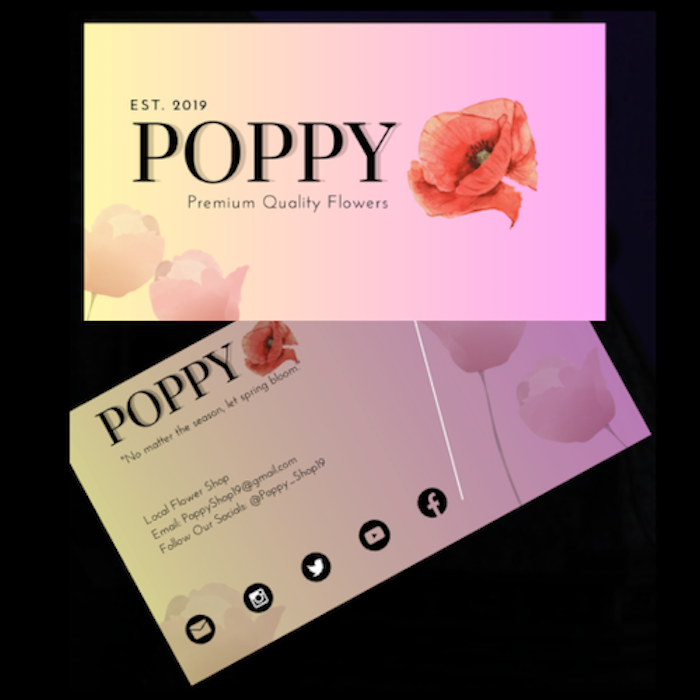
Get ready to create stunning e-book covers and professional business cards with Canva’s free assets!
-
3D Printing on Campus Workshop
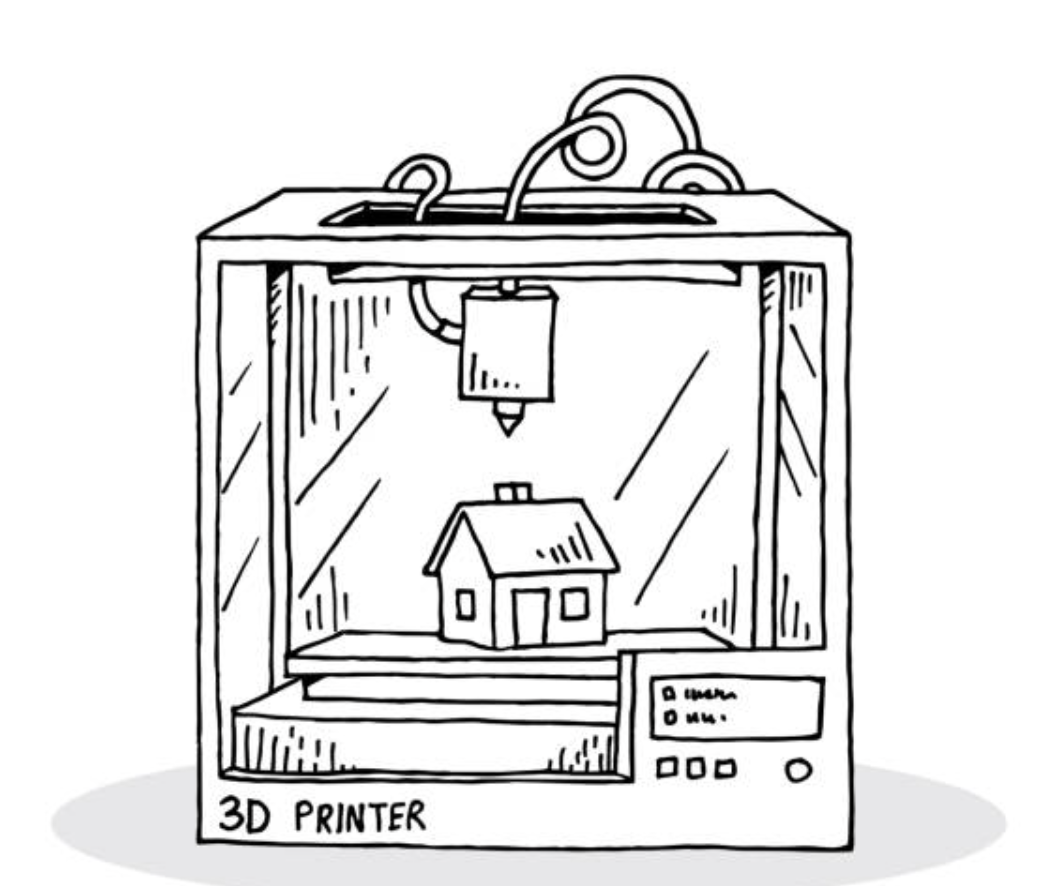
Developing Learning Objectives: My workshop should leave those who attended with a basic understanding of the possible 3D printing options on campus. We will cover: 3D Printers on Campus: Printer Name Type of Printer Location Accessibility Software Lulzbot Mini Filament Digital Media Bar in Andrews Library With Approval of Educational Technology Cura Download @…
-
Fall 2023 Student Workshops
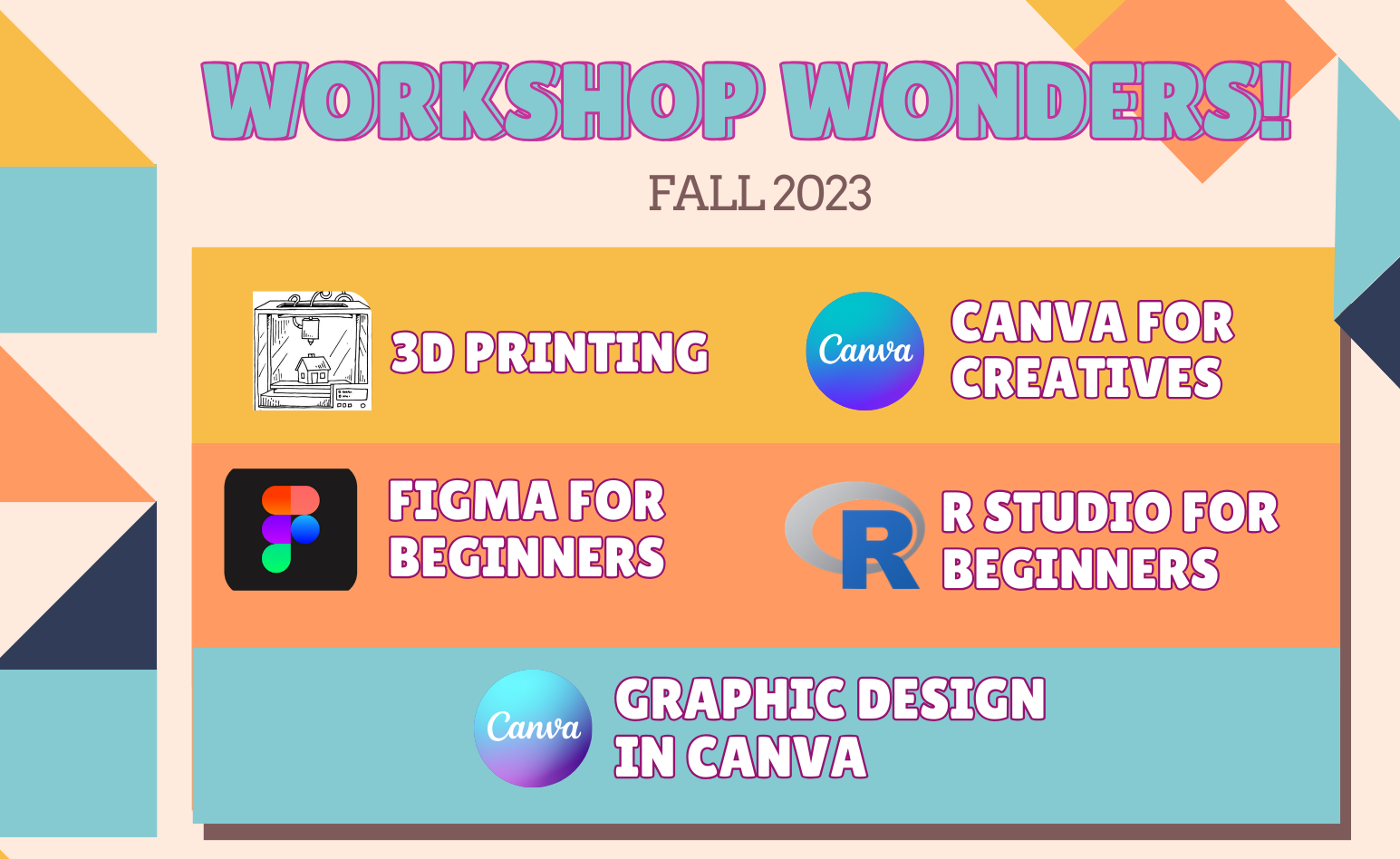
Student Technology Assistants (STAs) are offering a series of workshops crafted mainly for students working on academic and personal digital projects but which are open to everyone.
-
Pre-Semester Ed Tech Workshops for Faculty 2023
Educational Technology will host pre-semester workshops for faculty the week of August 7th, 2023. Sessions will be recorded and will be linked below, but in the meantime, check out all the options for pre-semester! Aligning your Grade Book with your Grading Strategy Do you want to use Moodle’s gradebook as a one-stop-shop for you and…
-
STA Reflection ’23- Lina Boughton
Hello! I’m Lina and I’ve spent just one semester working as a Student Technology Assistant. I enjoy working at the desk, working on digital projects, learning, and helping my fellow confused students navigate the wonders of technology. I applied for the job because I heard that it’s a great way to learn different digital technologies.…
-
STA Reflection ’23- Bitania

My time spent as a Student Technology Assistant (STA) has been very good experience, both personally and professionally. In this reflective essay, I will delve into the technical and non-technical skills I acquired, the challenges I faced, and the aspects of the role that I enjoyed the most. During my time as an STA, I…
