-
January Ed Tech Workshops for Faculty 2025

Educational Technology is coordinating with other departments on campus to provide workshops for faculty to get ready for Spring semester. No registration needed! Just bring a laptop and join us! Tuesday, January 7 Aligning Learning Goals and Assignments Workshop facilitated by Missy Schen from 1 – 2:30 pm | Andrews Library CoRE Are you rethinking…
-
Fall 2024 Student Workshops
The Educational Technology STAs (Student Technology Assistants) are excited to announce their schedule of workshops for the FA24 semester! Not able to make a workshop? Visit the Digital Media Bar!
-
Tech Tip: Outlook

Microsoft Outlook is a comprehensive email client that offers robust tools for communication and organization. As part of the College’s Microsoft 365 subscription, Outlook can be accessed as a standalone application or integrated with other Microsoft services like Microsoft Teams. What Can I do using Microsoft Outlook? Updated Features: Microsoft Outlook has recently been updated…
-
Tech Tip: OneNote
Check out the notable new features in OneNote now available for you to try out! Microsoft OneNote is available through the College’s Microsoft 365 subscription. Access OneNote online on the web or install the app on up to 5 devices – your laptop, tablet, phone, and desktop. For more information on using OneNote, see Technology@Wooster’s…
-
Tech Tip: Teams

Important Microsoft Teams Updates 2024 Microsoft Teams introduces six exciting updates for Spring 2024, enhancing collaboration and productivity within the platform. You can view the 6 new features in Microsoft Teams for Spring 2024 YouTube video for more detail. Here’s a quick overview: For further support, please contact the HelpDesk for assistance.
-
Tech Tip: PowerPoint
PowerPoint is an application that allows you to create and edit slideshows and presentations that can be displayed along with helpful transitions and animations. Microsoft PowerPoint is available through the College’s Microsoft 365 subscription and the app can be installed on up to 5 devices. What can I do using Microsoft PowerPoint? What’s new? PowerPoint…
-
Tech Tip: Microsoft Forms
Important Microsoft Forms Updates The Microsoft Forms application has recently been updated with many useful features. Forms is available online through the College’s Microsoft 365 subscription. Here are some of the top updates listed below. You can view the entire Jan 2023 YouTube video or the entire Feb 2024 YouTube video for details [or use video timestamps in…
-
Tech Tip: Word
Tech Tip: Microsoft Word Microsoft Word has recently introduced several new features across its web (Word for the Web) and desktop (Word Desktop) platforms, enhancing user experience and collaboration. Word is available through the College’s Microsoft 365 subscription and can be installed on up to 5 devices – your laptop, table, phone, desktop. Below are…
-
Microsoft Designer AI: Fast and Easy Graphic Design
Microsoft’s Designer* is a tool for making quick and easy graphic designs, similar to Canva. Designer stands out by combining a breadth of tools from DALL-E image generation, Photoshop-like tools, graphic design AI, and freehand design tools. *Note that Designer only works with Microsoft Consumer accounts at this time, meaning that your CoW email will…
-
Fall 2023 Student Workshops
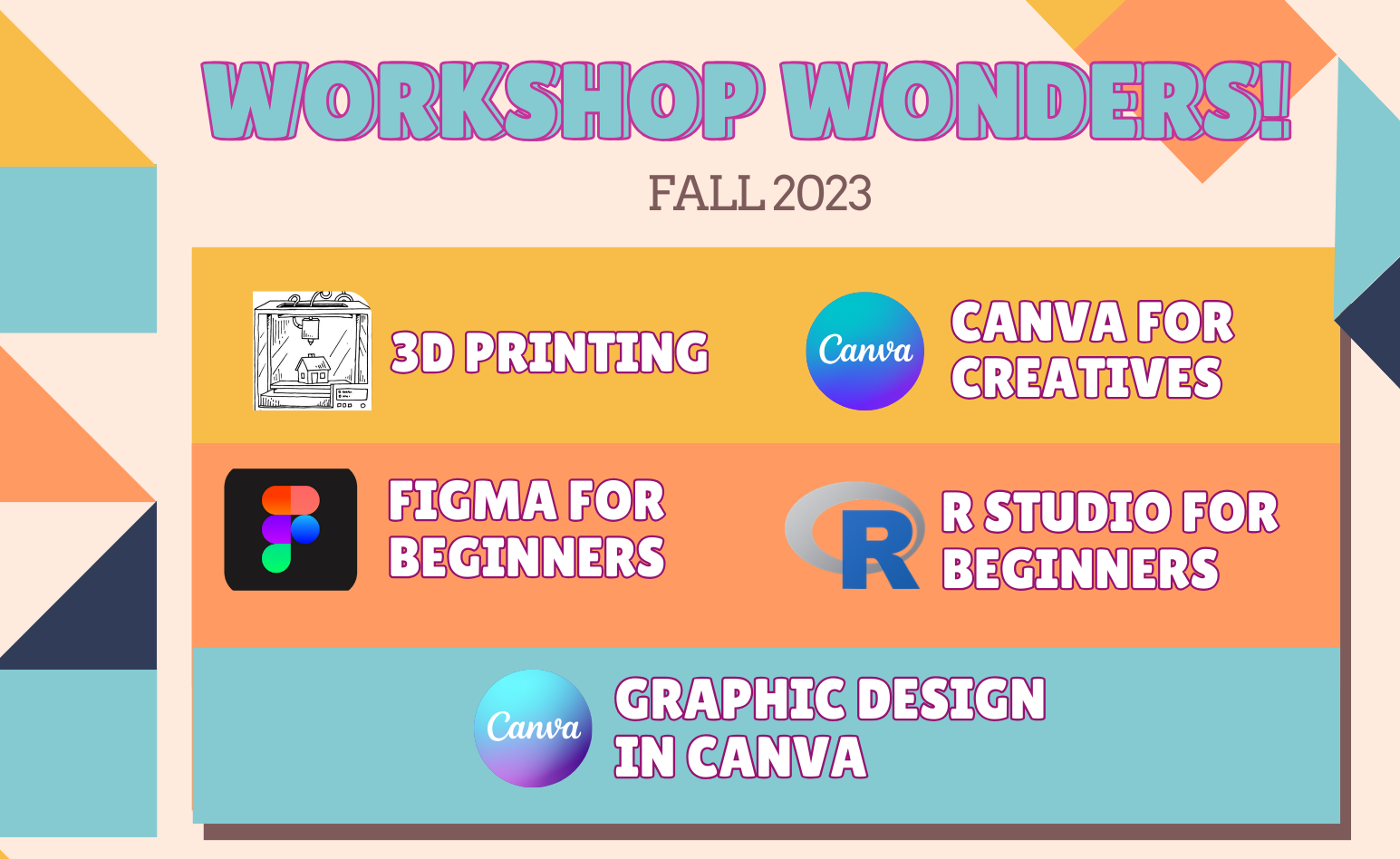
Student Technology Assistants (STAs) are offering a series of workshops crafted mainly for students working on academic and personal digital projects but which are open to everyone.
