-
Alternative Assessments Series
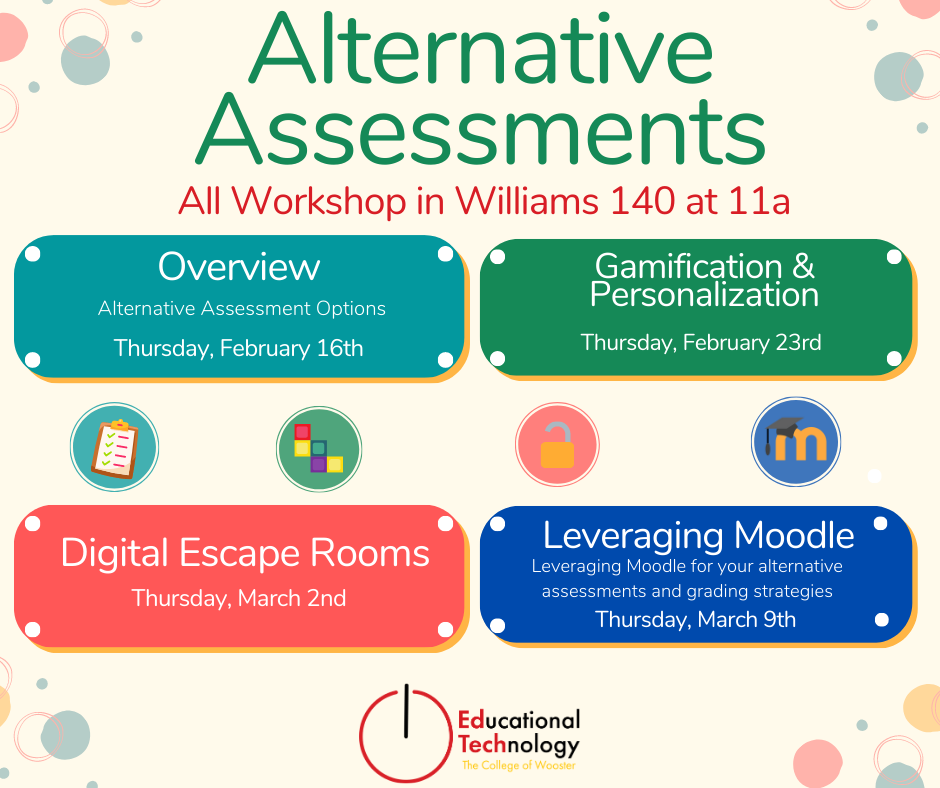
Whether you’re looking for a new way to reach your students, want to help them build real-world skills for life beyond the classroom, just want to mix up your assignment schedule a little, or want to be able to answer the question “When am I going to use this?” you’re probably looking for an alternative…
-
Spring 2023 Student Workshops

Student Technology Assistants (STAs) are offering a series of workshops crafted mainly for students working on academic and personal digital projects but which are open to everyone. Educational Technology staff is offering Microsoft Word formatting for I.S. projects. See the workshop listings below for more details. Registration for all of our events is available on…
-
Microsoft Training Sessions

Microsoft associates offer free, live training sessions for professionals, educators, and students. See their Virtual Workshops and Trainings site for offerings and registration. Unfortunately the Excel trainings scheduled for Sp23 have been cancelled. Recordings of Past Training Team Events For past sessions, visit the link to watch the recording of the sessions in Stream. Our Fall 2022…
-
Microsoft Teams feature updates
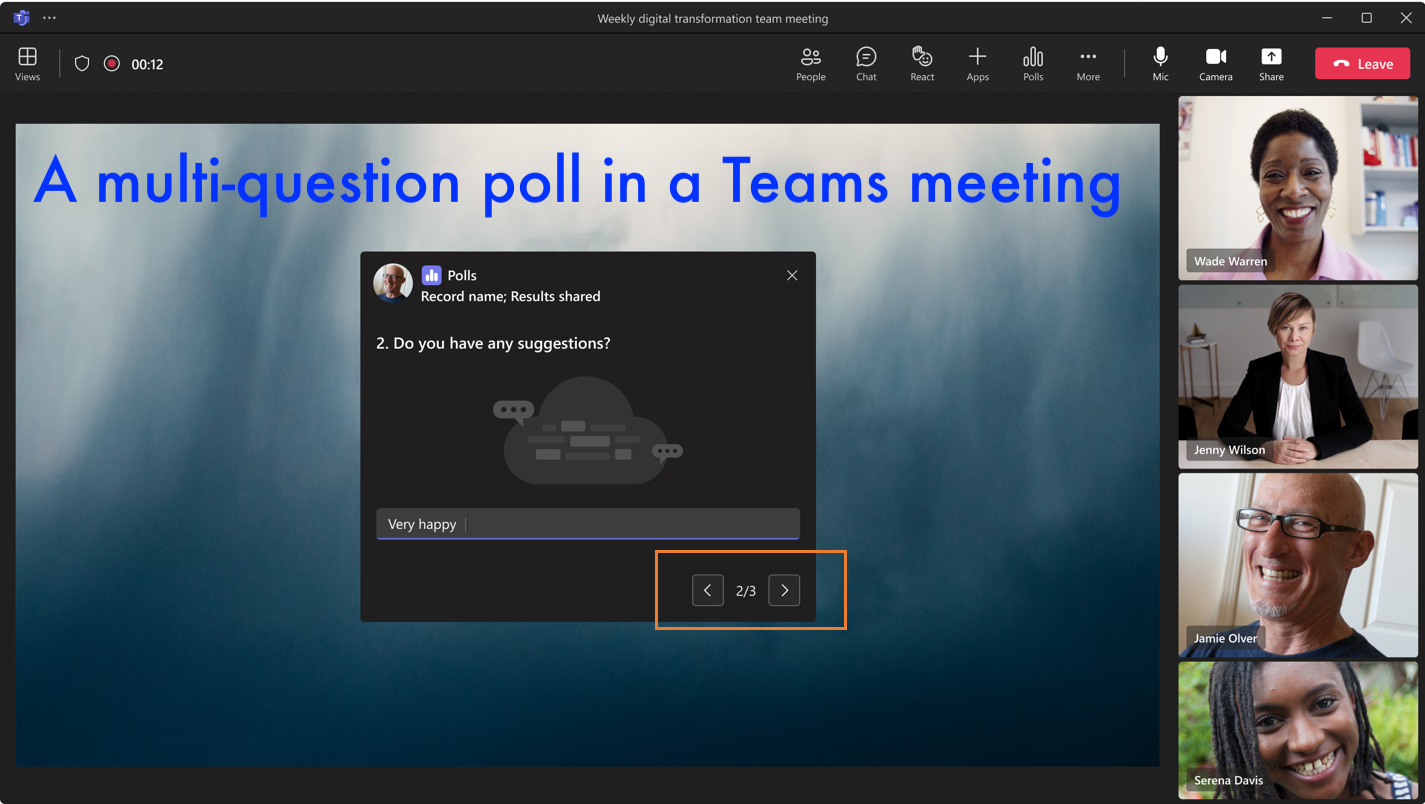
The article provides an overview of the new features introduced in Microsoft Teams, with a focus on updates specific to Teams for Education. Included are tutorial videos showcasing new top features. You are welcome to visit Microsoft’s announcements including the Teams Blog, Teams articles on the Education blog, and their Teams YouTube playlists. New features…
-
January Ed Tech Workshops for Faculty 2023
Educational Technology hosted workshops for faculty to get ready for Spring semester. Moodle workshops on Tuesday, January 10 We offered two brief workshops – each 30 minutes each – either in-person or via Teams format. Moodle Tips and Tricks Tuesday, January 10th View the agenda. Topics will include: Moodle Assignments and Grading Tuesday, January 10th…
-
Wikipedia and Academia

Spring 2026 instructors: WikiEdu is accepting applications for courses on a rolling basis. Apply now. Wikipedia is the go-to source for information for much of the world. However, few understand its inner workings, and even fewer still contribute to it, even though it’s an encyclopedia that anyone can edit. It’s not an exaggeration to say…
-
Lists, Forms, Automate: Your Microsoft Trifecta
You’re invited to three upcoming live Microsoft Customer Success Training sessions hosted by the Microsoft Success team featuring: Microsoft ListsMicrosoft FormsMicrosoft Power Automate You are welcome to attend one, two, or all three of the sessions. Power Automate helps individuals and groups streamline processes. If you are unfamiliar with Lists or Forms, we would recommend…
-
Canva Workshop
You will learn the basics of poster making on the graphic design platform Canva. Agenda Create a Canva Account Choose a size Choose a background Choosing a font/adding a title Adding additional info Location/time RSVP links, QR codes, etc. Adding Elements (Shapes, lines, pictures, etc.) Downloading your work Sharing Options RSVP for the workshop here: https://inside.wooster.edu/technology/events/poster-making-101-canva/…
-
Welcome to Technology@Wooster
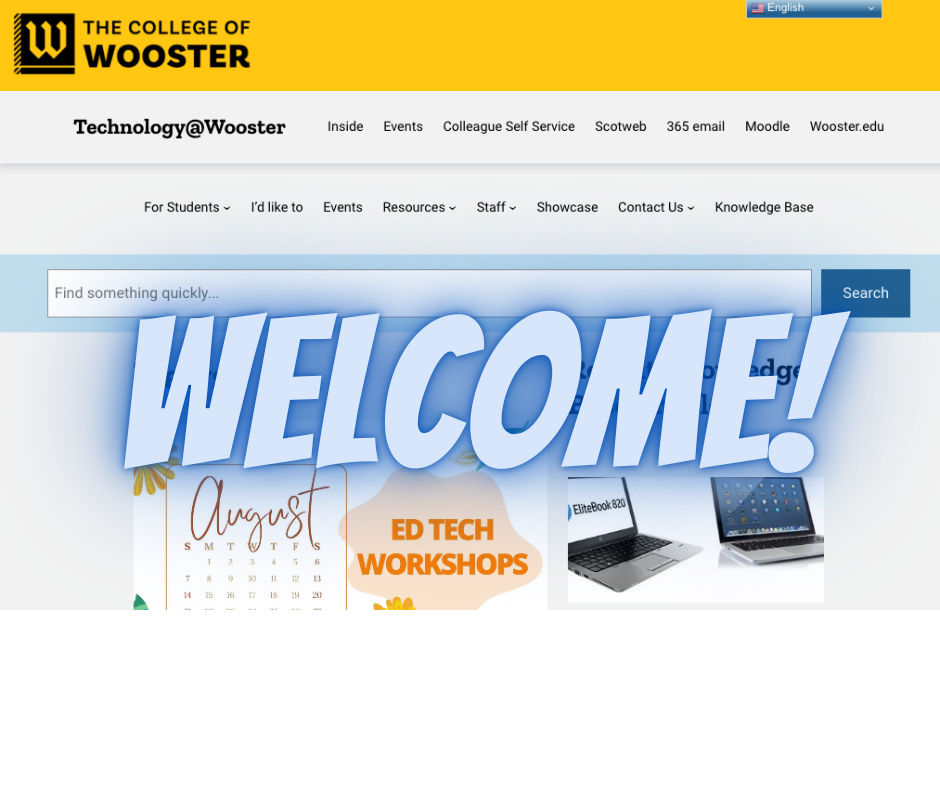
Welcome to our redesigned Technology site! You can find articles, documentation, and support services from Technology Services, Educational Technology, and Applications Development. Visit our Staff and Contact Us menu items for more details. We welcome you to use the Search bar to find information across the site. Our documentation articles are now available in the…
-
Courses now available in Moodle

This is a quick note to let those teaching courses that their courses are now available in Moodle. Login process To log in to Moodle, you MUST click the OpenID Connect button first and then follow the prompts; entering your username and password on the Moodle login page will not work. If you are new…
