-
Alternative Assessments Series
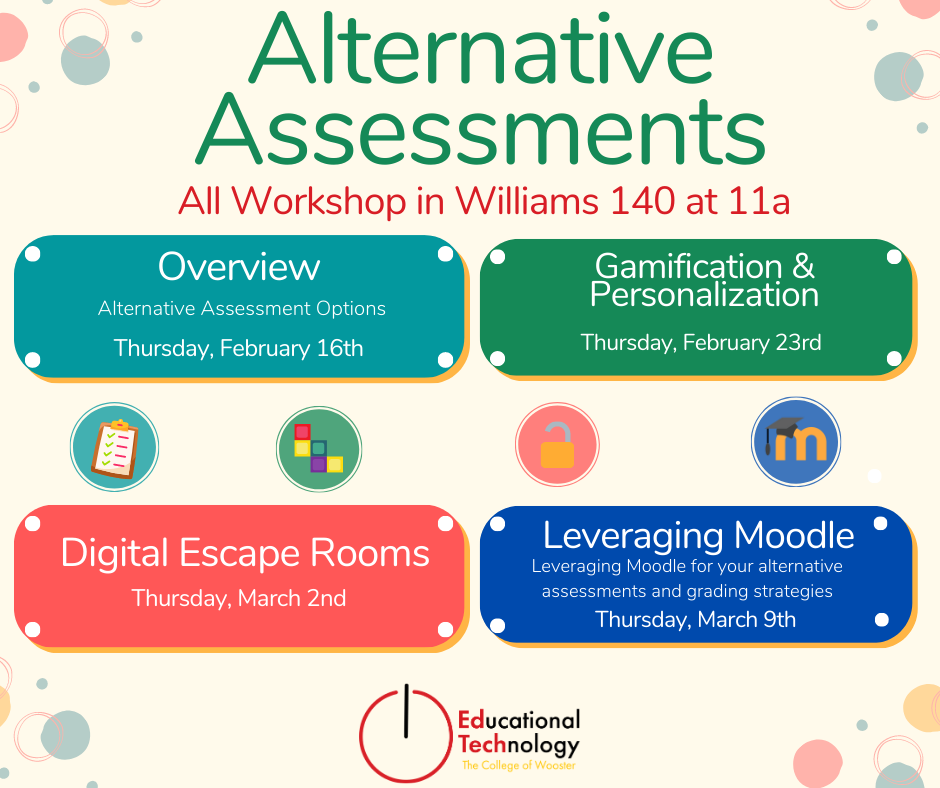
Whether you’re looking for a new way to reach your students, want to help them build real-world skills for life beyond the classroom, just want to mix up your assignment schedule a little, or want to be able to answer the question “When am I going to use this?” you’re probably looking for an alternative…
-
Spring 2023 Student Workshops

Student Technology Assistants (STAs) are offering a series of workshops crafted mainly for students working on academic and personal digital projects but which are open to everyone. Educational Technology staff is offering Microsoft Word formatting for I.S. projects. See the workshop listings below for more details. Registration for all of our events is available on…
-
Website Design – HTML

Learn to make a starter website with HTML and CSS with a focus on explaining the building blocks through given code. Before coming to the workshop, make sure you have a text editor downloaded on your laptop such as Visual Studio Code.
-
GenAI and your classroom

ChatGPT is one of several Generative Artificial Intelligence (GenAI) software services that has free and paid versions with some others being Gemini, Poe, and Claude. ChatGPT was created by OpenAI, it was trained using Reinforcement Learning from human Feedback. ChatGPT interacts conversationally, in a dialogue format which makes it possible for the GenAI to answer…
-
Microsoft Training Sessions

Microsoft associates offer free, live training sessions for professionals, educators, and students. See their Virtual Workshops and Trainings site for offerings and registration. Unfortunately the Excel trainings scheduled for Sp23 have been cancelled. Recordings of Past Training Team Events For past sessions, visit the link to watch the recording of the sessions in Stream. Our Fall 2022…
-
Microsoft Teams feature updates
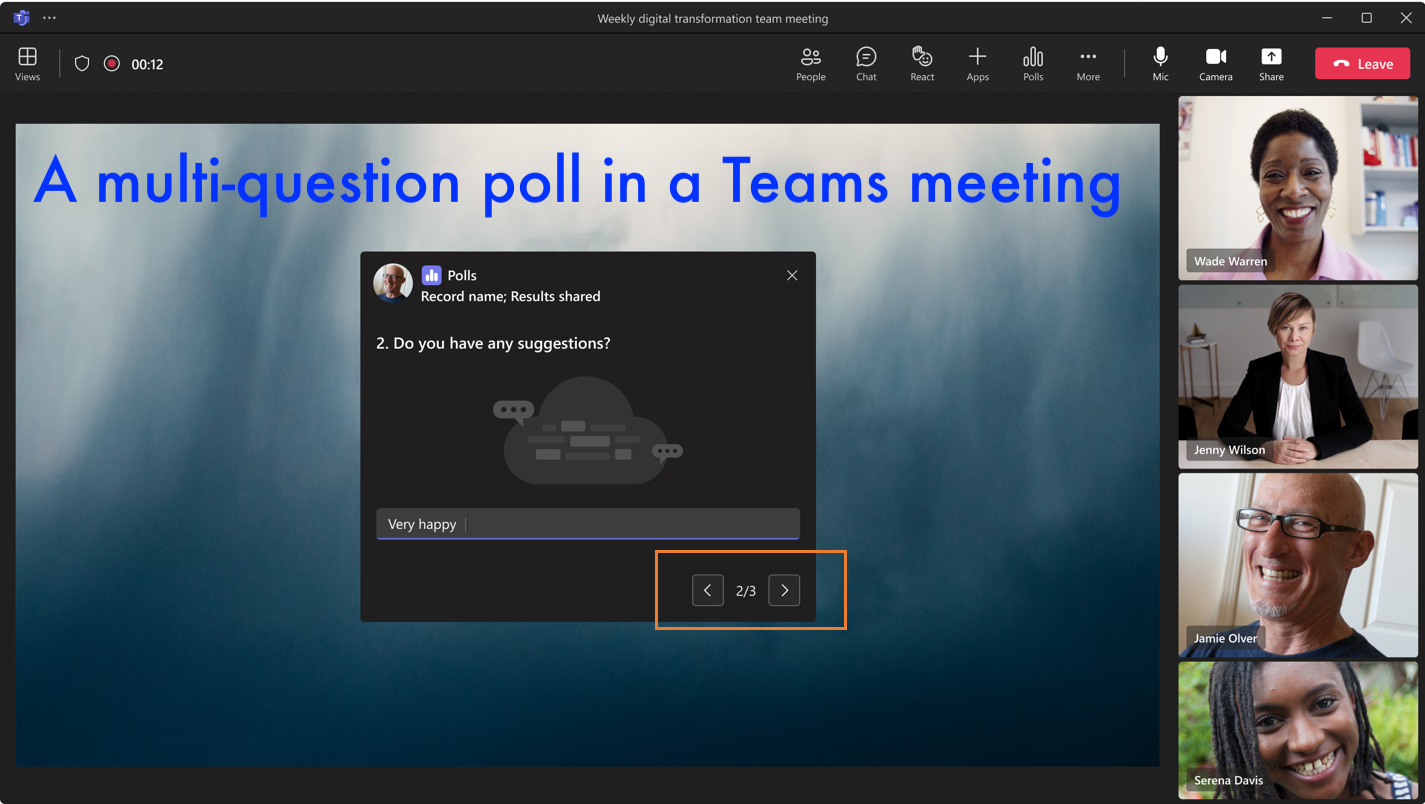
The article provides an overview of the new features introduced in Microsoft Teams, with a focus on updates specific to Teams for Education. Included are tutorial videos showcasing new top features. You are welcome to visit Microsoft’s announcements including the Teams Blog, Teams articles on the Education blog, and their Teams YouTube playlists. New features…
-
January Ed Tech Workshops for Faculty 2023
Educational Technology hosted workshops for faculty to get ready for Spring semester. Moodle workshops on Tuesday, January 10 We offered two brief workshops – each 30 minutes each – either in-person or via Teams format. Moodle Tips and Tricks Tuesday, January 10th View the agenda. Topics will include: Moodle Assignments and Grading Tuesday, January 10th…
-
Internet and Email Safety
It is a best practice when interacting with technology to understand and easily identify when something is not right. Here are definitions of some cyber security terms and a few pointers to assist you identifying phishing. Definitions Hacker/Cracker = Someone who seeks to breach defenses and exploit weaknesses in a computer system or network Phishing…
-
Printing Changes Fall 2022/Spring 2023
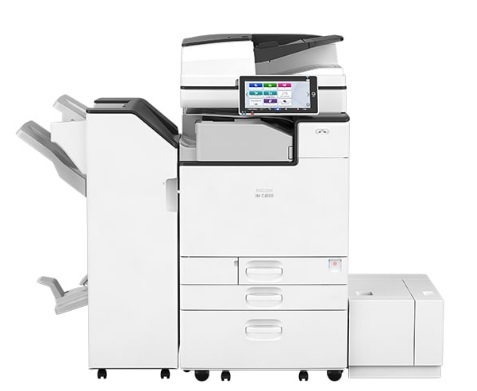
Printing as a faculty or staff member Printing overview Wooster has implemented native printing through PaperCut as the primary print method for faculty and staff. This method will no longer require the PaperCut popup client. A printer deploy application will be available to assist with the setup of print queues. Mobility print will allow general…
-
Alternative Assessments
Whether you’re looking for a new way to reach your students, want to help them build real-world skills for life beyond the classroom, just want to mix up your assignment schedule a little, or want to be able to answer the question “When am I going to use this?” you’re probably looking for an alternative…
